

VistaCreate
VistaCreate is a free graphic design tool with thousands of free templates and an AI Image Generator to bring your ideas to life.
Our take: VistaCreate (formerly Crello) is Vista's answer to Canva: a template-first design tool aimed at non-designers who need polished social media and marketing assets fast.
The strongest free Canva alternative for social-media-first creators, with a capable free tier and affordable Pro.
Our score
Reviewed by the Conversion Gems editorial team. Hover a facet to focus it; click to pin.Tap a facet to focus it.
Community ratings
Shown for context only. Our score is independent.
 G2
G2 Capterra
 Trustpilot
4.0 / 5 aggregate · across 3 sources
Third-party ratings shown verbatim; aggregate weighted by review volume.
What it is, and why we rate it
One line each. Open a row for detail.
Our takeVistaCreate (formerly Crello) is Vista's answer to Canva: a template-first design tool aimed at non-designers who need polished social media and marketing assets fast.
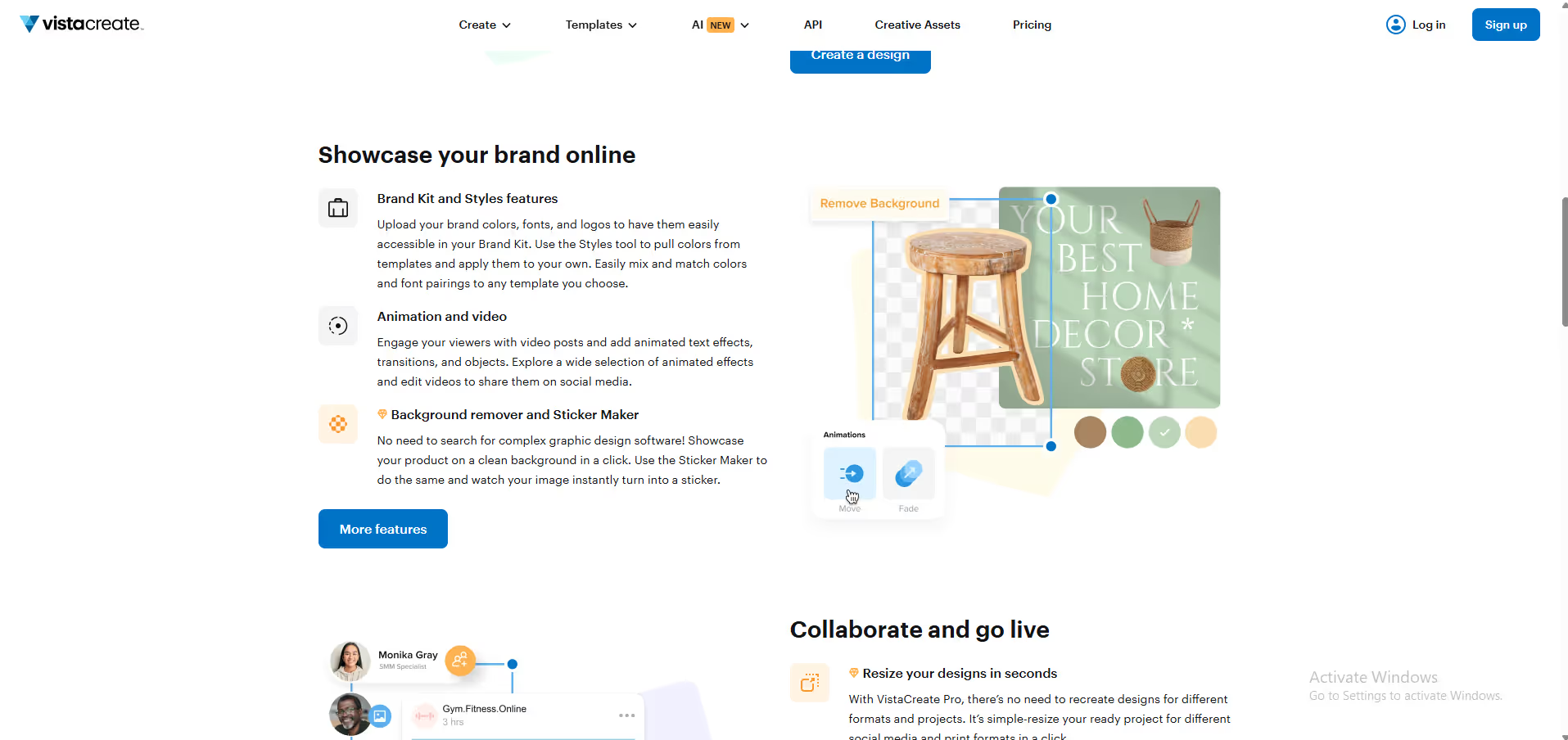
Why we rate itVistaCreate's free tier doesn't feel hobbled—animated templates, AI background removal, and brand kit access are included.
The catchCustomization depth lags Canva Pro for complex layouts, and the 170M premium asset library is locked behind Pro.
Best / not good for
- Social media managers creating daily branded content
- Small business owners needing quick print-and-digital visuals
- Non-designers who want animated or video-ready templates
- Advanced designers needing granular vector or layer control
- Teams larger than 10 needing enterprise collaboration
- Users requiring deep third-party app integrations (e.g., DAM, CMS)
Friction report
Trade-offs to know before signing up.
- Time to valueFast: sign-up requires no credit card; first template can be customised and exported in under 5 minutes.
- Scale breakpointPro caps team seats at 10; larger orgs or multi-brand agencies will outgrow it quickly with no intermediate tier.
- Walled gardenModerate: exports to PNG, JPG, PDF, and MP4 are standard, but designs are not portable to other editing tools and brand assets stay inside the platform.
A look inside
Frequently Asked Questions
What is VistaCreate and what does it do?
Who should use VistaCreate?
How does VistaCreate simplify the design process?
Can VistaCreate integrate with social media platforms?
Why choose VistaCreate over other online design tools?
Alternatives
Conversion Gems independently reviews every tool.