

Affinity Designer
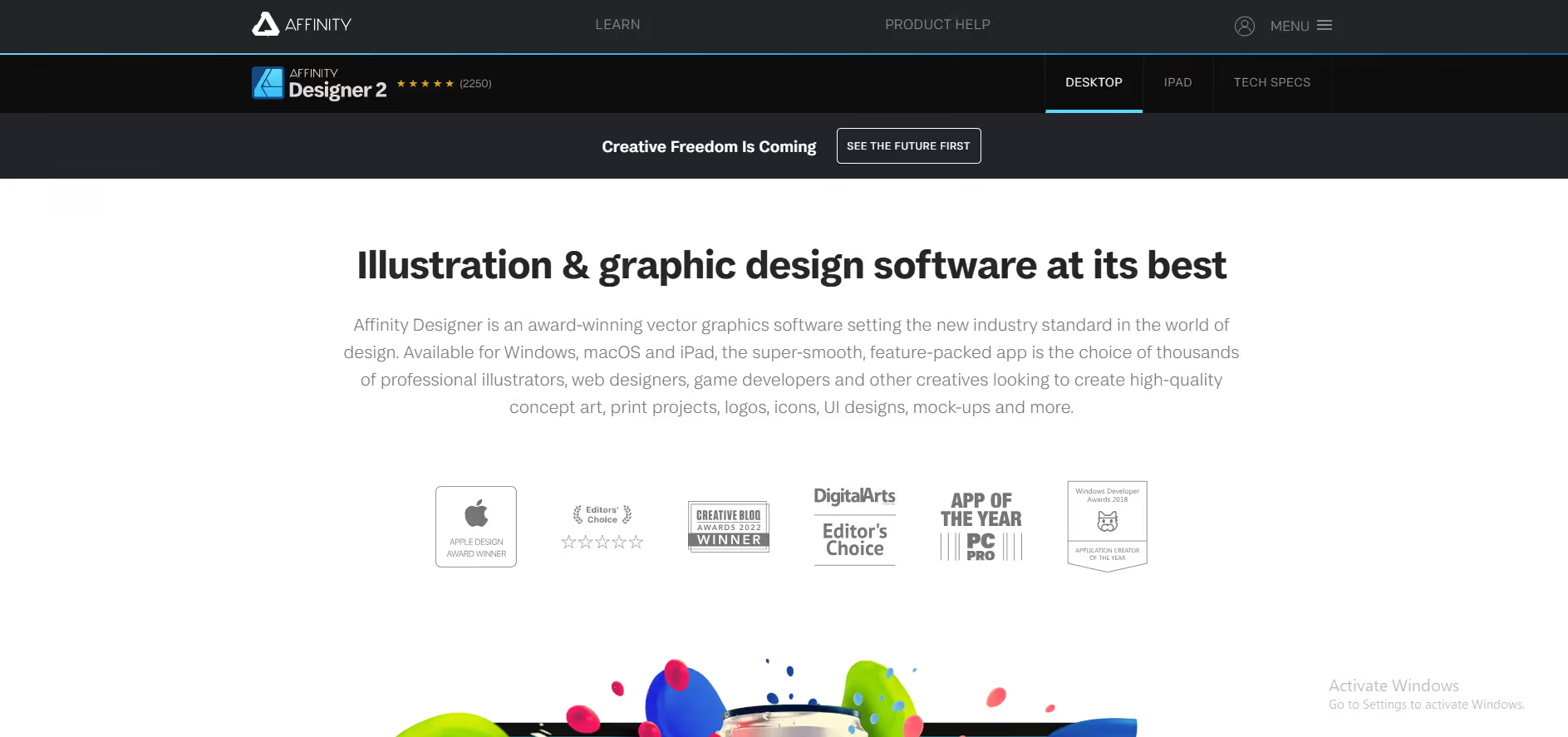
Affinity Designer is a professional vector graphics software for Windows, macOS, and iPad, used to create logos, illustrations, UI designs, and print projects by designers and creatives.
Our take: Affinity Designer was once sold as a $69 one-time purchase, but that model no longer applies.
A fully professional, free creative suite — the most compelling Adobe Illustrator/Photoshop/InDesign alternative for cost-conscious designers.
Our score
Reviewed by the Conversion Gems editorial team. Hover a facet to focus it; click to pin.Tap a facet to focus it.
Community ratings
Shown for context only. Our score is independent.
 G2
G2 Capterra
 Trustpilot
4.5 / 5 aggregate · across 3 sources
Third-party ratings shown verbatim; aggregate weighted by review volume.
What it is, and why we rate it
One line each. Open a row for detail.
Our takeAffinity Designer was once sold as a $69 one-time purchase, but that model no longer applies.
Why we rate itRare case of a fully professional tool going free without crippling the core.
The catchRequires a Canva account to download and activate — tying a standalone desktop tool to a cloud account is a philosophical shift from its roots.
Best / not good for
- Freelancers and studios escaping Adobe's subscription model
- Designers needing vector, raster, and layout in a single app
- Budget-conscious professionals who need print-ready and screen output
- Teams deeply embedded in Adobe workflows needing full plugin/extension compatibility
- Enterprise users requiring SOC 2 / advanced admin and collaboration features
- Designers who need the broadest third-party asset/template marketplace
Friction report
Trade-offs to know before signing up.
- Time to valueFast: free download with a Canva account; familiar interface for former Affinity or Illustrator users means quick ramp-up.
- Scale breakpointCollaboration and cloud-syncing for large teams still lags behind cloud-native design tools; file handoff at agency scale may require workarounds.
- Walled gardenModerate: exports to standard formats (SVG, PDF, PSD, AI, TIFF) are solid, but activating the app now requires a Canva account, creating a soft lock-in.
A look inside
Frequently Asked Questions
What makes Affinity Designer popular among professional designers?
Can Affinity Designer handle both vector and raster design?
Is Affinity Designer suitable for UI and web design?
How does Affinity Designer perform on large or complex files?
Who should choose Affinity Designer over subscription-based tools?
Alternatives
Conversion Gems independently reviews every tool.