

Sketch
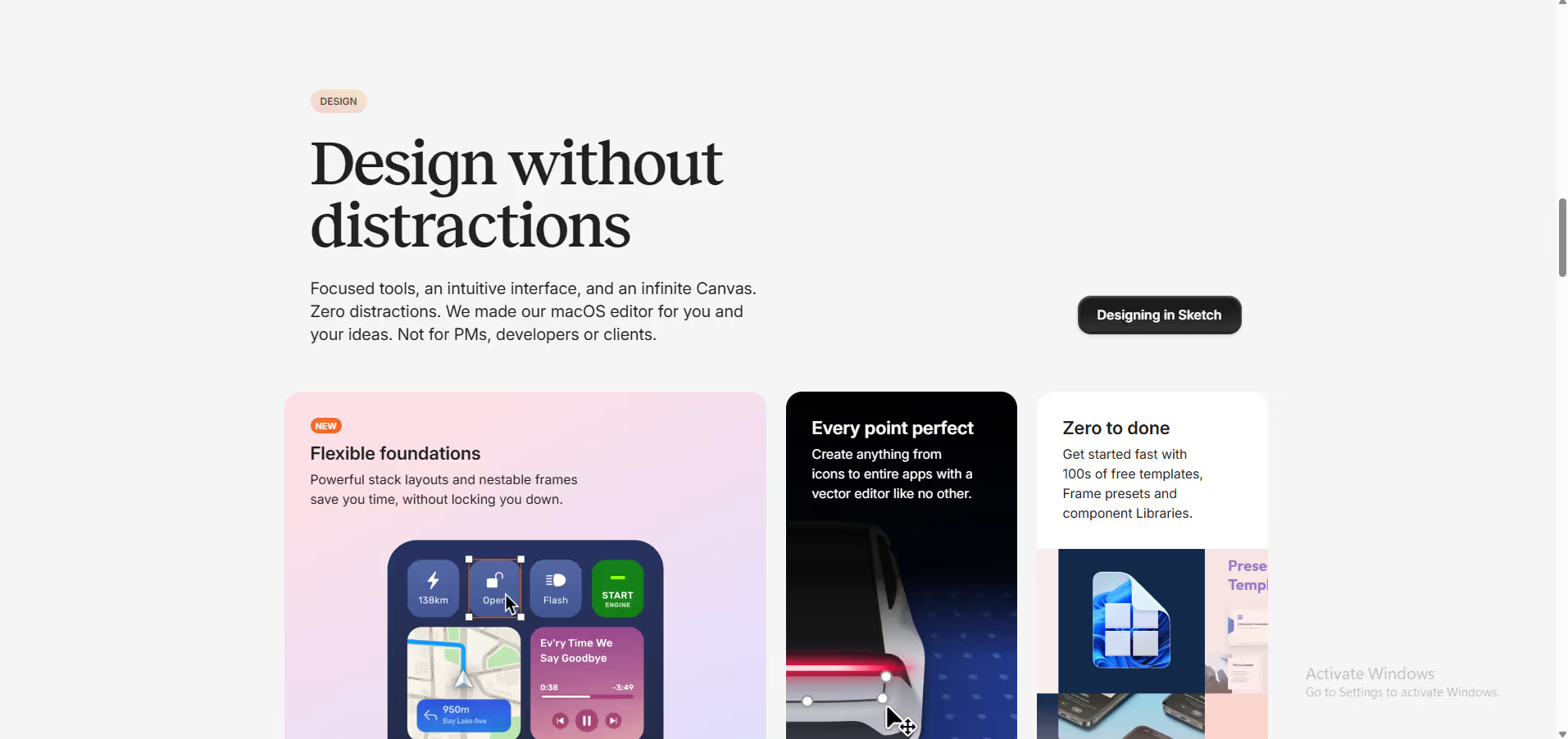
Sketch is a toolkit made by designers, for designers, that puts the focus on you and your work.
Our take: Sketch is the long-standing Mac-only standard for UI/UX and product design, offering symbols, real-time collaboration, prototyping, and developer handoff in a fast, focused app.
The gold standard Mac design tool for UI/UX teams — polished, fast, and purpose-built, but its Mac-only constraint is a real dealbreaker for cross-platform teams.
Our score
Reviewed by the Conversion Gems editorial team. Hover a facet to focus it; click to pin.Tap a facet to focus it.
Community ratings
Shown for context only. Our score is independent.
 G2
G24.5 / 5 aggregate · across 1 source
Third-party ratings shown verbatim; aggregate weighted by review volume.
What it is, and why we rate it
One line each. Open a row for detail.
Our takeSketch is the long-standing Mac-only standard for UI/UX and product design, offering symbols, real-time collaboration, prototyping, and developer handoff in a fast, focused app.
Why we rate itSketch built the modern UI design workflow before Figma existed and remains the tool of choice for Mac-committed teams who value speed, native performance, and a battle-tested plugin ecosystem.
Best / not good for
- Mac-based UI/UX and product designers
- Teams wanting a lightweight, fast alternative to Figma
- Designers who prefer a one-time license over recurring subscriptions
- Cross-platform or Windows/Linux design teams
- Non-designers needing general graphic or marketing design (use Canva instead)
- Teams requiring deep motion design or illustration capabilities
Friction report
Trade-offs to know before signing up.
- Time to valueFast: experienced designers are productive within minutes; 30-day trial requires no credit card.
- Scale breakpointPer-editor seat costs add up quickly for larger teams; Private Cloud pricing is opaque and requires sales contact.
- Walled gardenModerate: exports to common formats (PDF, SVG, PNG) are solid, but Sketch documents are proprietary and collaboration workflows are tightly tied to the Sketch ecosystem.
A look inside
Frequently Asked Questions
What is Sketch primarily used for?
Why is Sketch popular among product designers?
Can Sketch be used for team collaboration?
Is Sketch suitable for responsive design workflows?
Who should choose Sketch over general graphic design tools?
Alternatives
Conversion Gems independently reviews every tool.