

Remover ZMO
AI-powered background remover and photo editor that allows users to quickly eliminate backgrounds and enhance images.
Our take: Remover ZMO is ZMO.ai's dedicated image-cleanup tool, handling background removal, object erasure, people removal, and watermark stripping with generative inpainting that reconstructs underlying pixels for photorealistic results.
remover.zmo.ai has no DNS record, so the site can't load. The last working copy in the Internet Archive is from 17 December 2025.
zmo.ai now redirects to Creati Studio, a video ad generator, and its security certificate has expired. We found no shutdown notice and no new address for the Remover tool, so we have removed our link.
Best free-tier background remover for quick e-commerce and social edits; paid tiers are pricey for credits alone.
Our score
Reviewed by the Conversion Gems editorial team. Hover a facet to focus it; click to pin.Tap a facet to focus it.
Community ratings
Shown for context only. Our score is independent.
 G2
G2 Trustpilot
3.1 / 5 aggregate · across 2 sources
Third-party ratings shown verbatim; aggregate weighted by review volume.
What it is, and why we rate it
One line each. Open a row for detail.
Our takeRemover ZMO is ZMO.ai's dedicated image-cleanup tool, handling background removal, object erasure, people removal, and watermark stripping with generative inpainting that reconstructs underlying pixels for photorealistic results.
Why we rate itThe no-signup free tier with unlimited edits lowers the barrier to entry significantly; the neural edge detection for hair and fur outperforms most browser-based removers.
The catchThe free tier caps downloads at 720px — usable for social but not print or hi-res product listings.
Best / not good for
- E-commerce sellers needing clean product photos at volume
- Social media managers requiring fast background swaps
- Designers wanting one-click object and watermark removal
- High-volume batch processing on a tight budget
- Full photo retouching or compositing workflows
- Teams needing a full AI image generation suite
Friction report
Trade-offs to know before signing up.
- Time to valueFast: no account needed on free tier; upload and download a cleaned image in under 30 seconds.
- Scale breakpointCredit exhaustion hits fast at scale — 30 credits/mo on the $59 Basic plan is restrictive for studios processing hundreds of images.
- Walled gardenModerate: processed images are downloadable, but advanced editing, model customization, and integrations are locked to paid tiers within the ZMO.ai ecosystem.
A look inside
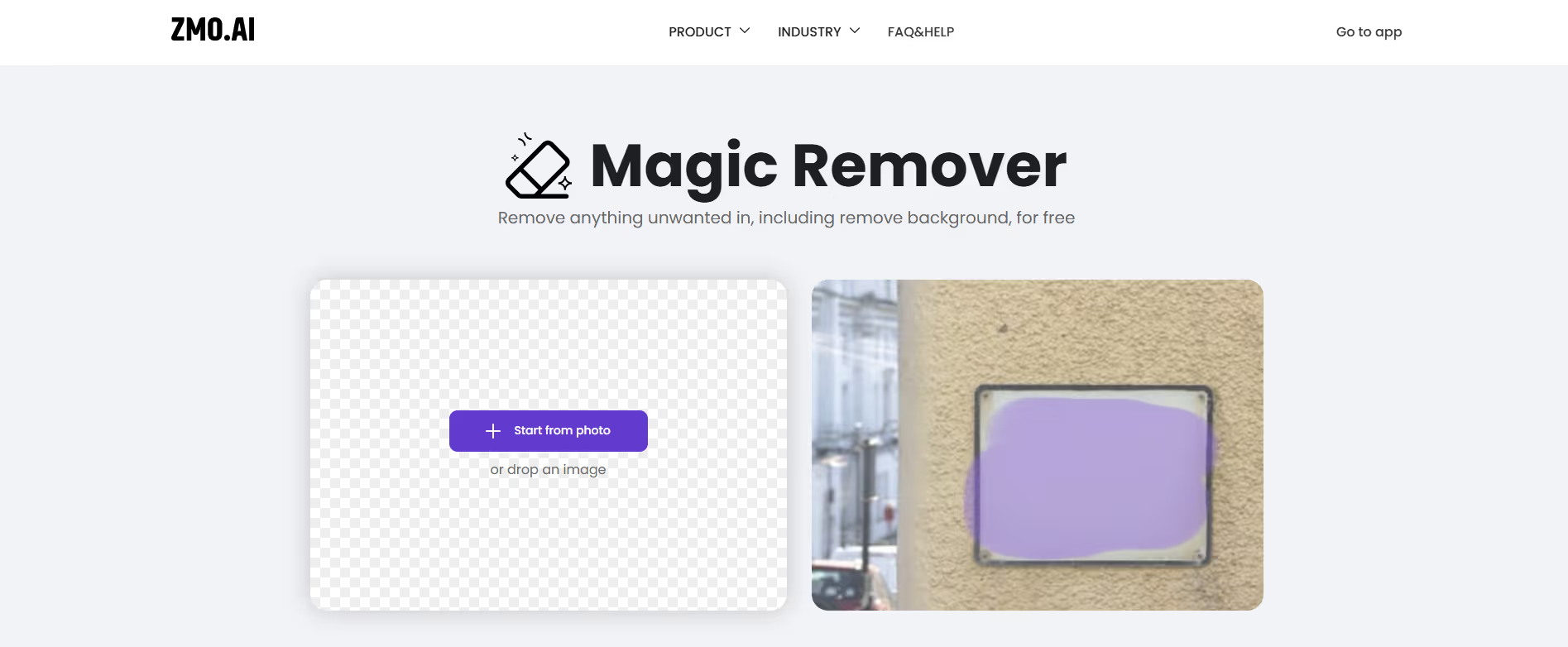
Frequently Asked Questions
What is Remover AI by ZMO and what does it do?
How does Remover AI work?
Is Remover AI free to use?
What kinds of images can I edit with Remover AI?
Who should use Remover AI?
Alternatives
Conversion Gems independently reviews every tool.