

RelayThat
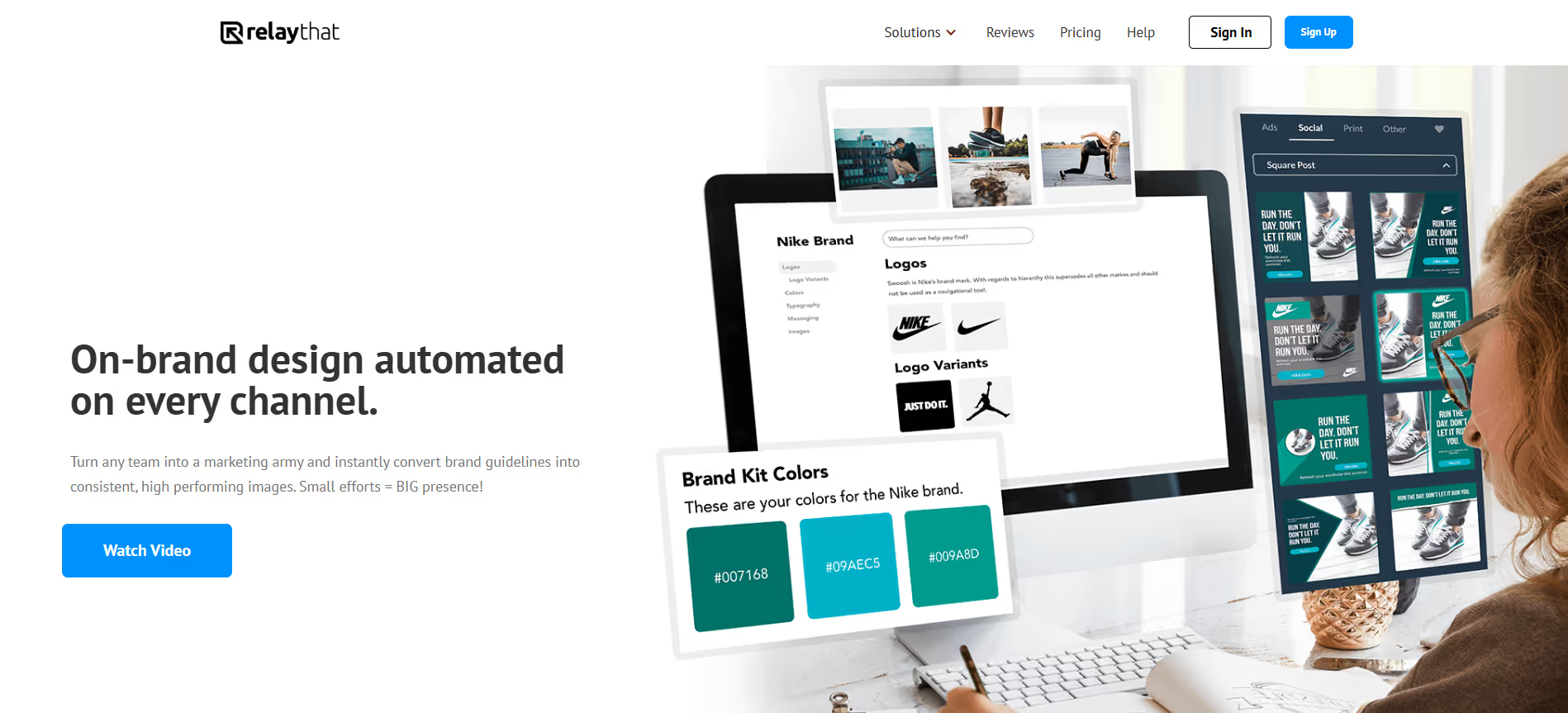
RelayThat is an AI design tool that automatically creates consistent, on-brand visuals across multiple channels in seconds.
Our take: RelayThat automates the most repetitive part of visual marketing: adapting logos, colors, fonts, and copy into thousands of correctly-sized layouts for social, ads, and banners in one click.
Best-in-class for high-volume, brand-consistent visual production; not for custom creative work.
Our score
Reviewed by the Conversion Gems editorial team. Hover a facet to focus it; click to pin.Tap a facet to focus it.
Community ratings
Shown for context only. Our score is independent.
 G2
G2 Capterra
4.4 / 5 aggregate · across 2 sources
Third-party ratings shown verbatim; aggregate weighted by review volume.
What it is, and why we rate it
One line each. Open a row for detail.
Our takeRelayThat automates the most repetitive part of visual marketing: adapting logos, colors, fonts, and copy into thousands of correctly-sized layouts for social, ads, and banners in one click.
Why we rate itEliminates the most painful bottleneck in content marketing — resizing and brand-checking every asset — without requiring a designer on staff.
The catchRigid template-driven output limits truly custom or artistic design work.
Best / not good for
- Marketing teams running multi-channel campaigns who need volume without a design team
- Agencies managing multiple brand identities across clients
- Franchise or multi-location businesses enforcing strict visual brand standards
- Designers needing full creative control or pixel-level customization
- Teams whose output is primarily animation, video, or motion graphics
- Bootstrapped solopreneurs who need a free or freemium starting point
Friction report
Trade-offs to know before signing up.
- Time to valueFast: upload brand assets, set colors and fonts, and export correctly-sized images for every channel within 30 minutes of signup.
- Scale breakpointPer-seat costs compound for teams beyond 5–10 users; Enterprise custom pricing is required at that point with no self-serve option.
- Walled gardenLow: exports are standard image files (PNG/JPG); no proprietary format lock-in, though design workflows and brand portals live entirely within RelayThat.
A look inside
Frequently Asked Questions
What is RelayThat and what does it do?
How does RelayThat simplify graphic design for brands?
What types of content can be created with RelayThat?
Is RelayThat suitable for beginners or non-designers?
Who should use RelayThat and what benefits can they expect?
Alternatives
Conversion Gems independently reviews every tool.