

Perfmatters
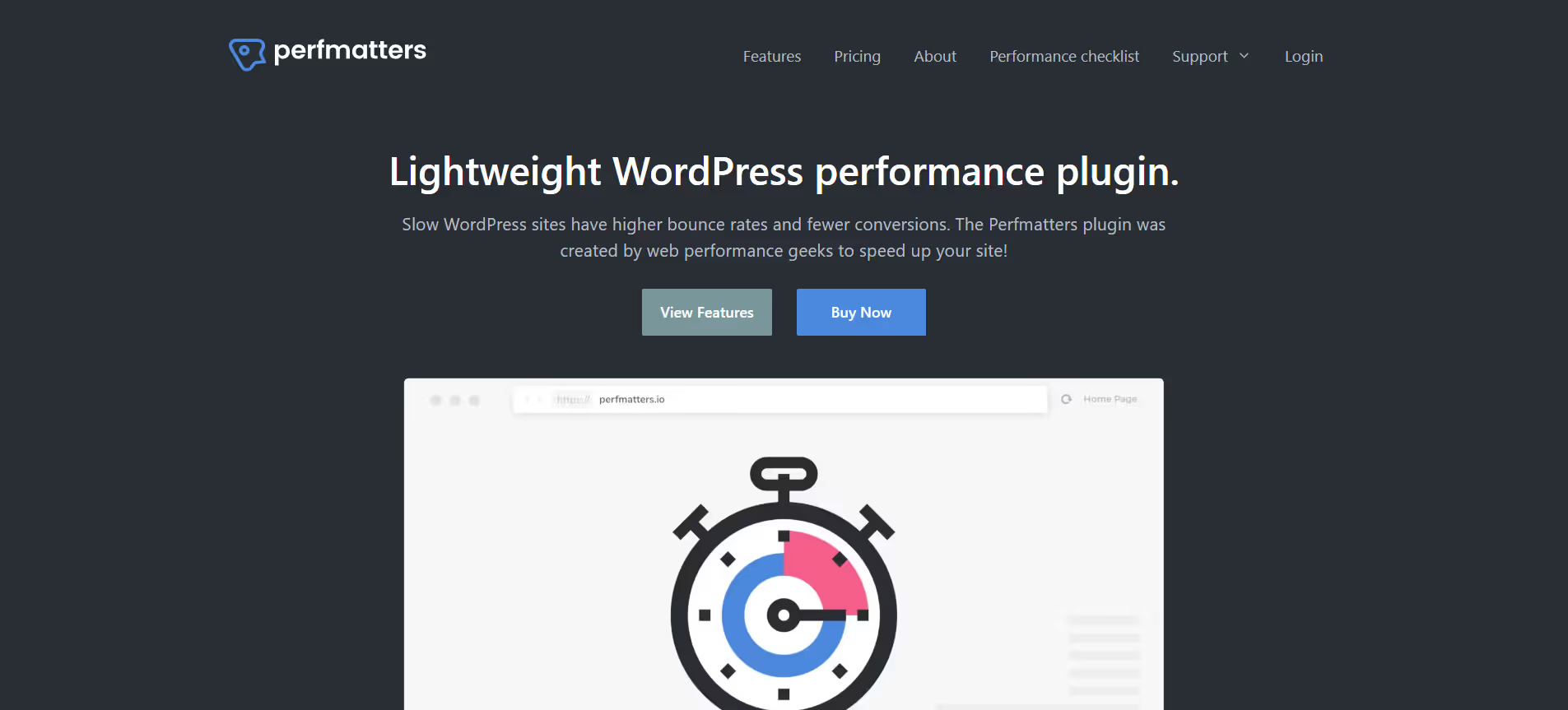
Lightweight WordPress plugin that reduces bloat and boosts speed using script control and performance tweaks.
Our take: Perfmatters fills a gap that caching plugins leave open: granular, per-page control over which scripts and styles actually load.
The sharpest WordPress performance scalpel available for under $30/yr — a must-have complement to any caching stack.
Our score
Reviewed by the Conversion Gems editorial team. Hover a facet to focus it; click to pin.Tap a facet to focus it.
Community ratings
Shown for context only. Our score is independent.
 Trustpilot
4.9 / 5 aggregate · across 1 source
Third-party ratings shown verbatim; aggregate weighted by review volume.
What it is, and why we rate it
One line each. Open a row for detail.
Our takePerfmatters fills a gap that caching plugins leave open: granular, per-page control over which scripts and styles actually load.
Why we rate itAt under $30/yr for a single site, Perfmatters delivers feature depth that rivals plugins costing several times more.
The catchNo built-in caching or CDN — you must pair it with a dedicated caching plugin.
Best / not good for
- WordPress developers tuning Core Web Vitals on client sites
- Agencies managing 3+ sites who want unified script control at the Business/Unlimited tiers
- WooCommerce stores reducing checkout-page script bloat for conversion gains
- Site owners wanting an all-in-one caching + performance solution in a single plugin
- Non-WordPress platforms — this is WordPress-only
- Beginners with no testing workflow, as misconfigured toggles can break pages
Friction report
Trade-offs to know before signing up.
- Time to valueFast: install, activate, and toggle obvious bloat (emojis, embeds, REST API exposure) in under 10 minutes. Script Manager tuning takes longer but is optional.
- Scale breakpointMinimal — the Unlimited license removes per-site cost friction. Managing Script Manager rules across dozens of sites can become time-consuming without a documented process.
- Walled gardenLow: Perfmatters writes no proprietary data structures; disabling it immediately returns the site to its pre-plugin state.
A look inside
Frequently Asked Questions
What is Perfmatters and what is it used for?
How does Perfmatters improve website speed?
Is Perfmatters easy to use for beginners?
Can Perfmatters be used with caching or CDN plugins?
Who should use Perfmatters and what benefits does it offer?
Alternatives
Conversion Gems independently reviews every tool.