

Beaver Builder
Flexible drag-and-drop WordPress page builder with free lite version and strong premium tiers.
Our take: Beaver Builder is a mature, developer-trusted WordPress page builder known for clean code output and rock-solid stability.
The go-to WordPress page builder for agencies and freelancers who prioritise clean code and multisite flexibility over a bloated template library.
Our score
Reviewed by the Conversion Gems editorial team. Hover a facet to focus it; click to pin.Tap a facet to focus it.
Community ratings
Shown for context only. Our score is independent.
 G2
G2 Trustpilot
4.5 / 5 aggregate · across 2 sources
Third-party ratings shown verbatim; aggregate weighted by review volume.
What it is, and why we rate it
One line each. Open a row for detail.
Our takeBeaver Builder is a mature, developer-trusted WordPress page builder known for clean code output and rock-solid stability.
The catchNo monthly billing and no lifetime licence; annual renewal is mandatory.
Best / not good for
- Agencies and freelancers managing 3–50+ WordPress sites
- Developers who need a stable, hook-friendly page builder with clean code
- WooCommerce store builds requiring full theme layout control via Themer
- Single-site hobbyists who want a vast template library out of the box
- Teams needing a lifetime licence or monthly billing flexibility
- Non-WordPress projects — it is entirely WordPress-native
Friction report
Trade-offs to know before signing up.
- Time to valueFast: a live demo (no install needed) lets you explore every feature before buying; after purchase, drag-and-drop editing is accessible within minutes of plugin activation.
- Scale breakpointThe 1-site Starter cap forces an upgrade to Plus ($179/yr) for even small multi-project freelancers; at 50+ sites the jump to Unlimited adds white-label and priority support but the cost nearly doubles.
- Walled gardenModerate: pages built with Beaver Builder use shortcodes/blocks that create some lock-in, though the codebase is cleaner than most competitors and migration tools exist.
A look inside
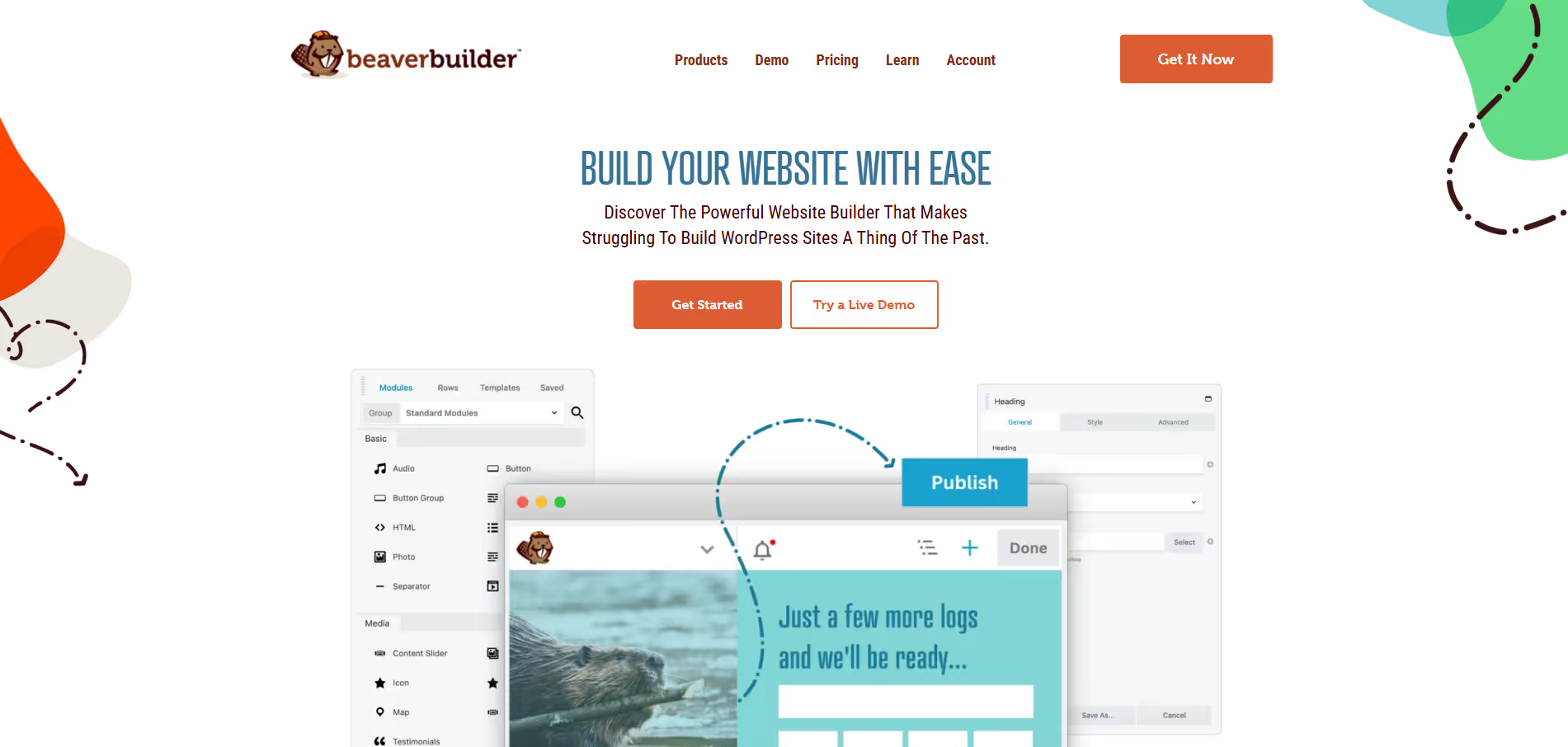
Frequently Asked Questions
What is Beaver Builder and what is it used for?
How does Beaver Builder improve the website building process?
Is Beaver Builder suitable for beginners and non-developers?
Does Beaver Builder work with most WordPress themes?
Who should use Beaver Builder and what are the benefits?
Alternatives
Conversion Gems independently reviews every tool.