
Asset CleanUp Pro
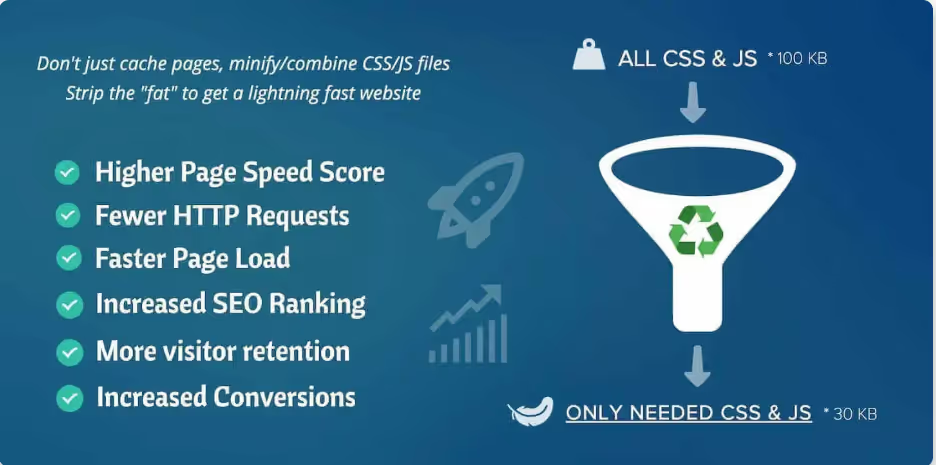
Asset CleanUp Pro is a powerful WordPress performance plugin designed to scan and remove unnecessary CSS and JavaScript.
Our take: A precision WordPress performance tool that lets you conditionally unload unused CSS and JavaScript on a page-by-page, post-type, or taxonomy basis — filling a gap that generic caching plugins leave open.
The surgical choice for eliminating render-blocking assets in WordPress; best paired with a dedicated caching plugin.
Our score
Reviewed by the Conversion Gems editorial team. Hover a facet to focus it; click to pin.Tap a facet to focus it.
What it is, and why we rate it
One line each. Open a row for detail.
Our takeA precision WordPress performance tool that lets you conditionally unload unused CSS and JavaScript on a page-by-page, post-type, or taxonomy basis — filling a gap that generic caching plugins leave open.
Why we rate itFills the exact gap caching and minification plugins miss: conditional, per-page removal of assets that have no business loading on a given URL.
The catchNo built-in caching — must pair with WP Rocket, LiteSpeed Cache, or similar.
Best / not good for
- WordPress sites with 10+ plugins loading unnecessary global assets
- Developers targeting Core Web Vitals improvements (LCP, render-blocking resources)
- Agencies managing performance across multiple client sites
- Non-WordPress platforms
- Site owners who need an all-in-one caching + performance stack in a single plugin
- Beginners with no tolerance for trial-and-error asset configuration
Friction report
Trade-offs to know before signing up.
- Time to valueModerate — installation is instant, but safely identifying and unloading the right assets per page requires methodical testing across page types.
- Scale breakpointAudit effort scales steeply with site complexity; large sites with many unique templates require page-by-page review. Unlimited license ($149/yr) needed for agency-wide deployment.
- Walled gardenLow — asset rules are stored in WordPress and can be exported; no proprietary cloud dependency or lock-in.
A look inside
Frequently Asked Questions
What is Asset CleanUp Pro and what does it do?
How does Asset CleanUp Pro improve website speed?
Is Asset CleanUp Pro safe to use for non-technical users?
Can Asset CleanUp Pro work alongside other caching or optimization plugins?
Who should use Asset CleanUp Pro and what benefits does it offer?
Alternatives
Conversion Gems independently reviews every tool.