

Ninja Tables
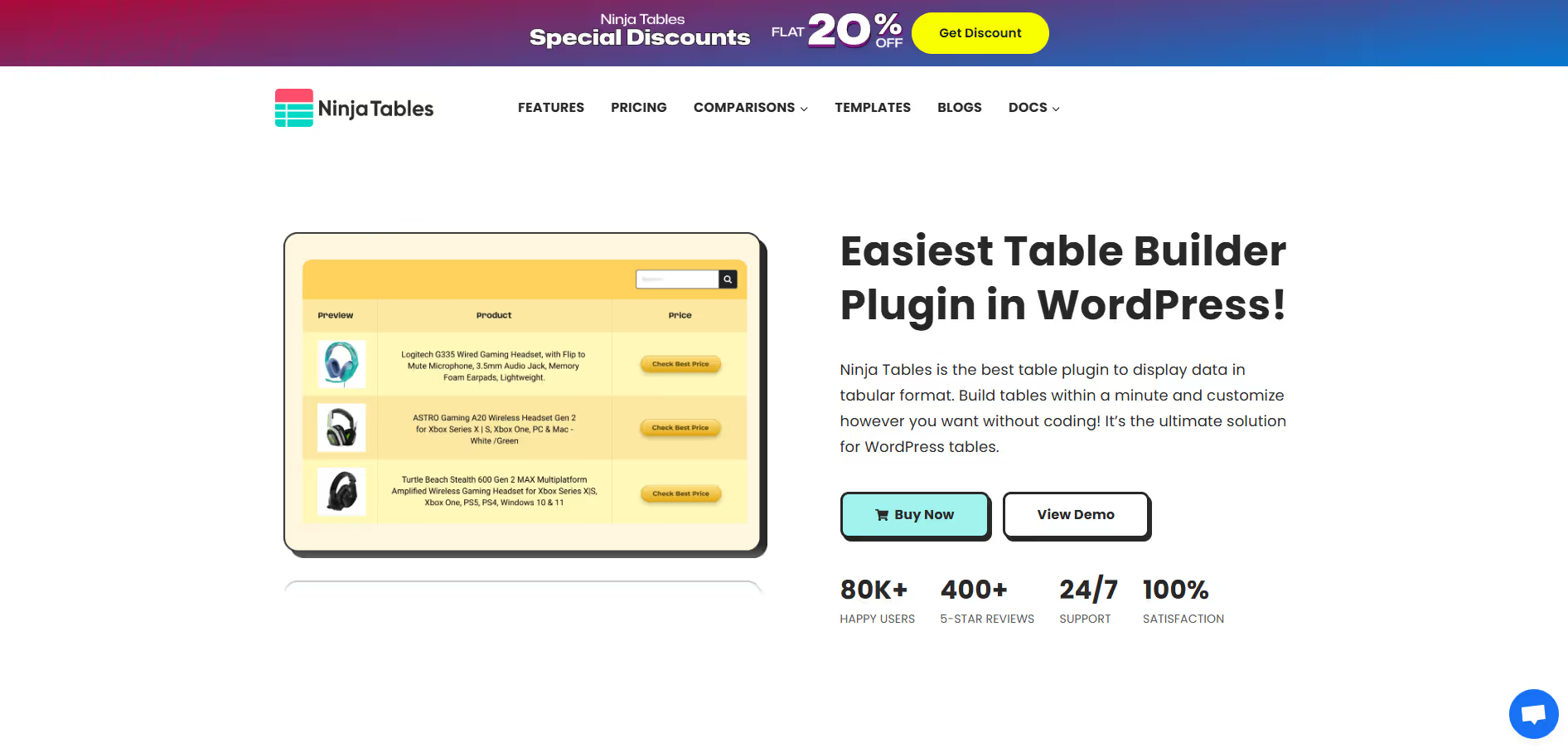
Ninja Tables is a highly versatile WordPress table builder plugin designed to create, manage, and customize responsive, feature-rich data tables effortlessly.
Our take: Ninja Tables is a well-rounded WordPress plugin for building responsive, interactive data tables without code.
The go-to WordPress table plugin for structured data — highly capable on Pro, thin on free.
Our score
Reviewed by the Conversion Gems editorial team. Hover a facet to focus it; click to pin.Tap a facet to focus it.
Community ratings
Shown for context only. Our score is independent.
 G2
G24.3 / 5 aggregate · across 1 source
Third-party ratings shown verbatim; aggregate weighted by review volume.
What it is, and why we rate it
One line each. Open a row for detail.
Our takeNinja Tables is a well-rounded WordPress plugin for building responsive, interactive data tables without code.
Why we rate itNinja Tables hits the sweet spot for WordPress tables: drag-and-drop simplicity, solid data-source integrations (Google Sheets, CSV, WooCommerce), and enough styling control to avoid custom CSS in most cases.
The catchThe free version is quite limited — most compelling features (charts, WooCommerce tables, Google Sheets sync, conditional formatting) are Pro-only.
Best / not good for
- WooCommerce stores needing product comparison or pricing tables
- Content sites displaying data from Google Sheets
- Agencies building multiple WordPress sites with structured data
- Non-WordPress sites or headless CMS setups
- Teams needing real-time database-driven tables beyond Google Sheets
- Users who only need very simple, static HTML tables
Friction report
Trade-offs to know before signing up.
- Time to valueFast: plugin installs in minutes; a basic table can be live within 10–15 minutes using the drag-and-drop builder.
- Scale breakpointLarge tables (thousands of rows) can impact page performance; Google Sheets sync latency may surface at high data volumes.
- Walled gardenModerate: tables are stored in WordPress and styled within the plugin; migrating to another table solution requires manual recreation.
A look inside
Frequently Asked Questions
What is Ninja Tables and what is it used for?
How does Ninja Tables help present data more effectively?
Is Ninja Tables easy to use for non-technical users?
Can Ninja Tables handle large datasets and integrations?
Who should use Ninja Tables and what are the benefits?
Alternatives
Conversion Gems independently reviews every tool.