

Fotor
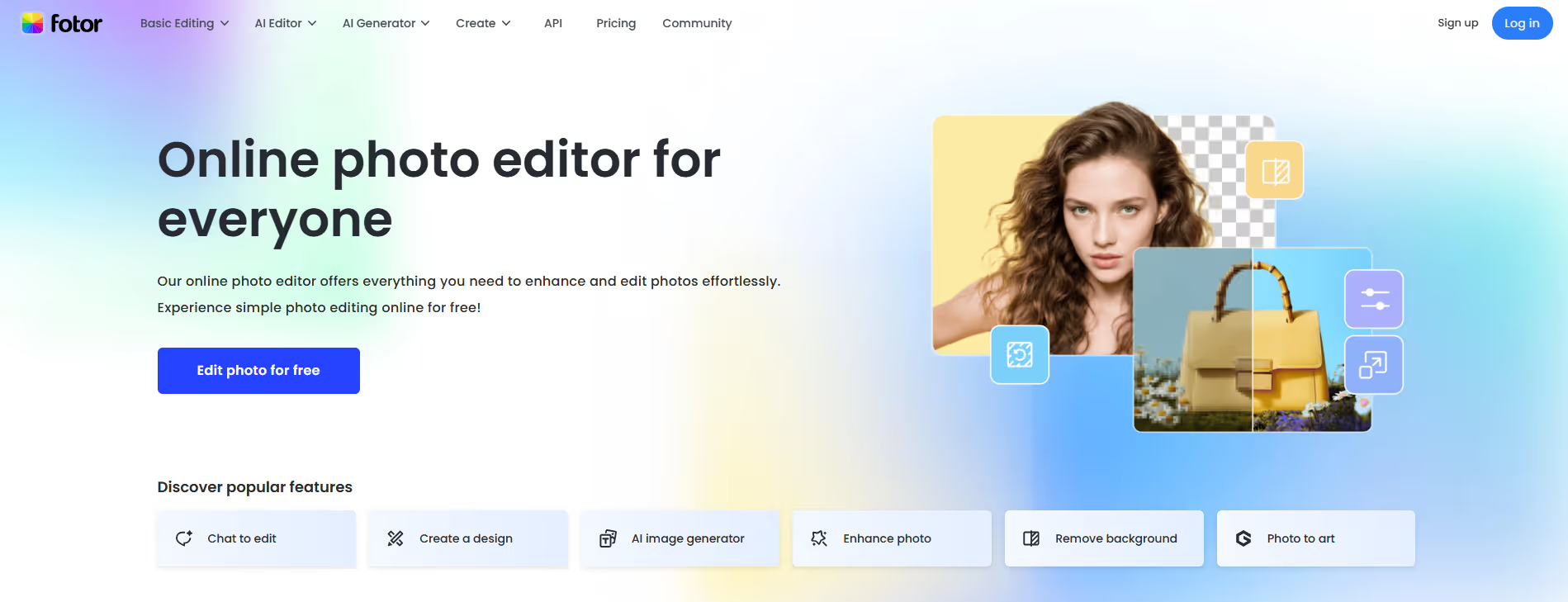
Fotor is an all-in-one online photo editor and graphic design tool, offering a comprehensive suite of features for image enhancement.
Our take: Browser-based creative suite that combines AI photo editing (one-tap enhance, background removal, portrait retouching, text-to-image) with a graphic design module and collage maker.
A solid mid-market pick for social media creators who want AI-assisted editing without the Photoshop learning curve.
Our score
Reviewed by the Conversion Gems editorial team. Hover a facet to focus it; click to pin.Tap a facet to focus it.
Community ratings
Shown for context only. Our score is independent.
 G2
G2 Trustpilot
3.9 / 5 aggregate · across 2 sources
Third-party ratings shown verbatim; aggregate weighted by review volume.
What it is, and why we rate it
One line each. Open a row for detail.
Our takeBrowser-based creative suite that combines AI photo editing (one-tap enhance, background removal, portrait retouching, text-to-image) with a graphic design module and collage maker.
Best / not good for
- Social media creators needing quick, polished visuals
- Marketers building branded assets from templates
- Non-designers who want AI-assisted photo retouching
- Professional photographers with RAW-centric, color-critical workflows
- Teams needing real-time collaborative editing
- High-volume agencies that will hit API or batch limits on Pro
Friction report
Trade-offs to know before signing up.
- Time to valueFast: fully browser-based, no install required, first usable edit in under 2 minutes.
- Scale breakpointBatch caps (100 images on Pro, 500 on Pro+) and the 1,000-call/mo API limit become bottlenecks for volume-heavy teams.
- Walled gardenModerate: templates and cloud storage are Fotor-native, but exports are standard formats (JPG, PNG, PDF, TIFF on Pro+) so content is portable.
A look inside
Frequently Asked Questions
What is Fotor and what is it used for?
How does Fotor simplify photo editing and design?
What types of content can be created with Fotor?
Is Fotor suitable for beginners?
Who should use Fotor and what benefits can they expect?
Alternatives
Conversion Gems independently reviews every tool.