

Diagram
AI tool for generating harmonious font combinations for design projects.
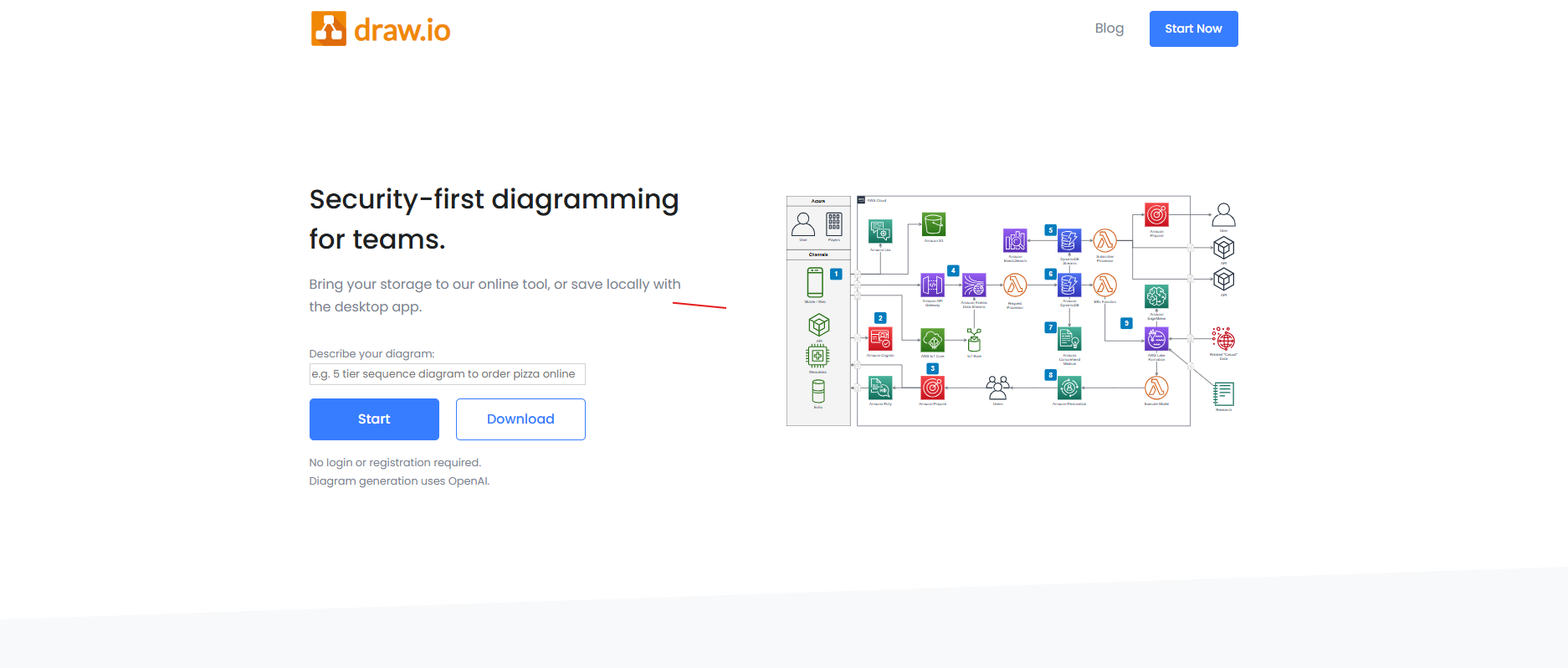
Our take: Diagram leverages AI to transform textual descriptions into visual representations, streamlining the creation of flowcharts, wireframes, and system diagrams.
An efficient AI-driven solution for converting text into professional diagrams, reducing manual effort in design processes.
Our score
Reviewed by the Conversion Gems editorial team. Hover a facet to focus it; click to pin.Tap a facet to focus it.
What it is, and why we rate it
One line each. Open a row for detail.
Our takeDiagram leverages AI to transform textual descriptions into visual representations, streamlining the creation of flowcharts, wireframes, and system diagrams.
Best / not good for
- Product managers
- UX designers
- Developers
- Users requiring extensive manual customization
- Teams needing offline access
- Organizations with strict data privacy requirements
Friction report
Trade-offs to know before signing up.
- Time to valueFast: Users can generate diagrams quickly from text input, minimizing setup time.
- Scale breakpointMay face limitations when handling highly complex or large-scale diagrams.
- Walled gardenModerate: While it integrates with some platforms, users may find limitations in exporting to certain formats.
A look inside
Frequently Asked Questions
How can Diagram assist with AI-powered diagram or flowchart creation?
What features does Diagram offer for visualizing workflows or systems?
How does Diagram assist with AI-generated diagrams and visuals?
How can Diagram enhance AI-assisted diagram creation?
How is Diagram used to create AI-assisted diagrams and visuals?
Alternatives
Conversion Gems independently reviews every tool.