
Canva
Canva is an easy online design tool with drag-and-drop features to create posts, presentations, logos, and videos. It has free templates, while Pro adds Brand Kit, premium content, and background remover.
Our take: The free tier is genuinely usable, not a crippled demo; most casual users never need to pay.
The free tier is genuinely usable, not a crippled demo; most casual users never need to pay. Push past a few posts a week and crown-locked assets pull you toward Pro fast. High ceiling for solo creators; the floor is precise control and clean exports, where users hit walls.
Our score
Reviewed by the Conversion Gems editorial team. Hover a facet to focus it; click to pin.Tap a facet to focus it.
Community ratings
Shown for context only. Our score is independent.
 G2
G2 Trustpilot
4.4 / 5 aggregate · across 2 sources
Third-party ratings shown verbatim; aggregate weighted by review volume.
What it is, and why we rate it
One line each. Open a row for detail.
Our takeThe free tier is genuinely usable, not a crippled demo; most casual users never need to pay.
Best / not good for
- Solo creators and small businesses posting regularly
- Non-designers who need professional output fast
- Anyone already paying for stock, bg-removal, or a scheduler separately
- Designers needing pixel/vector precision or print-grade output
- Heavy video workflows (4K exports downgrade to 1080p)
Friction report
Trade-offs to know before signing up.
- Time to valueNear-instant via templates; first hurdle is paywalled crown elements mid-design.
- Scale breakpointLag on 50+ page designs and high-res layers; slow HQ exports; glitchy live collaboration.
- Walled gardenDownloads not re-editable; downgrade re-watermarks existing designs; 4K exports drop to 1080p.
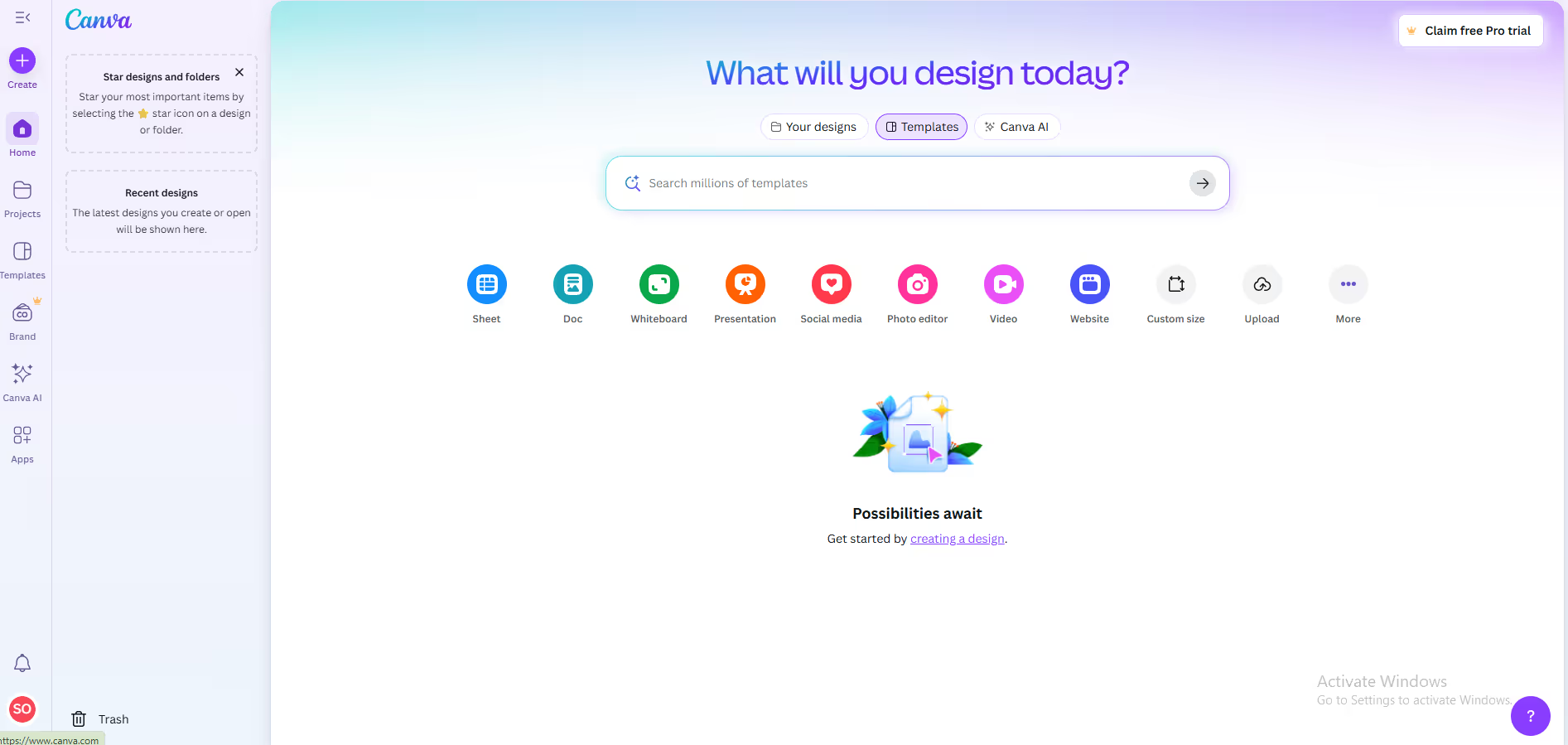
A look inside
Frequently Asked Questions
What is Canva and what is it used for?
Who should use Canva?
How does Canva make design simple for beginners?
Can Canva support team collaboration?
Why choose Canva over traditional design software?
Alternatives
Conversion Gems independently reviews every tool.