

YouTLDR
AI tool that turns YouTube videos into transcripts, timestamped summaries, Q&A chat and translations in 125+ languages.
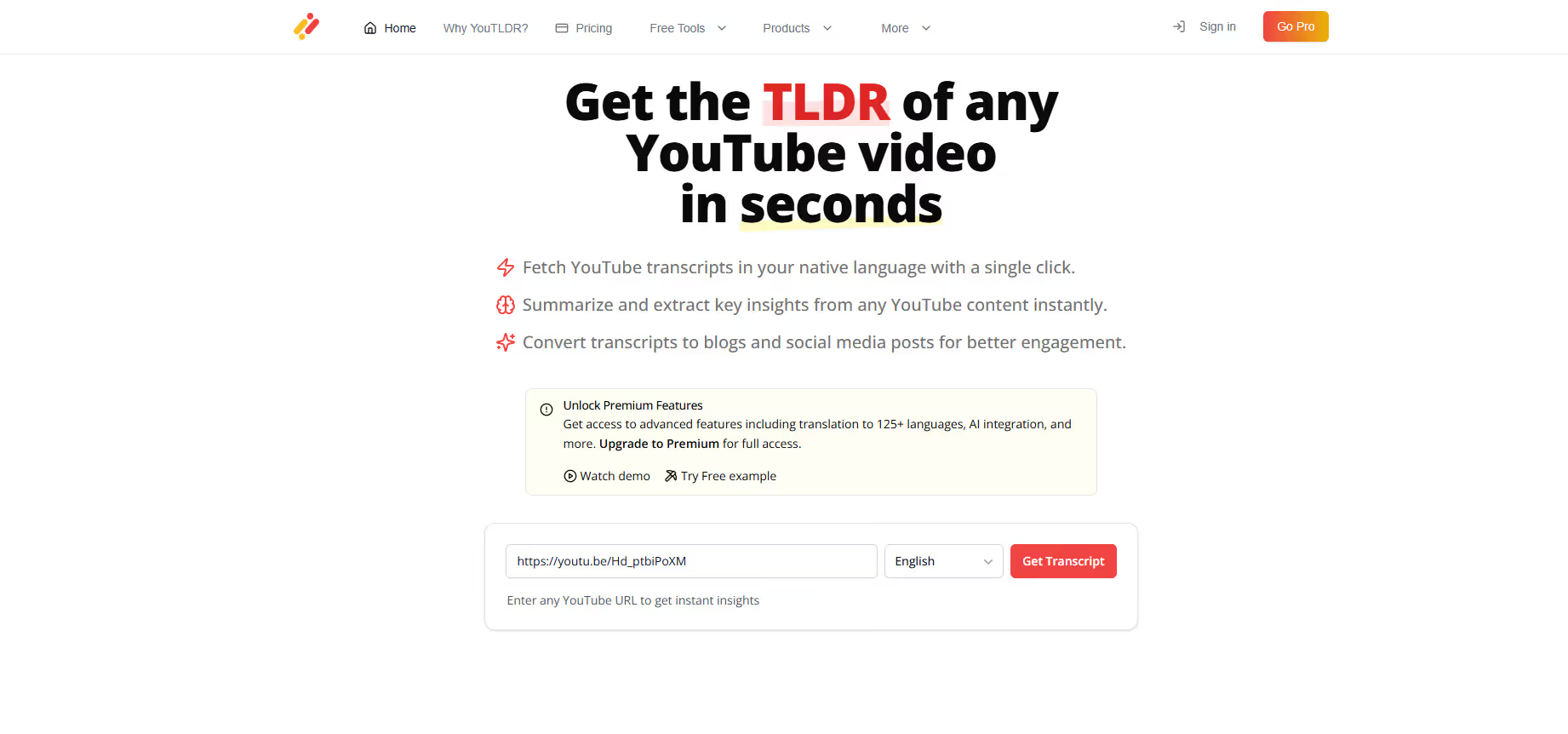
Our take: Paste a YouTube URL and YouTLDR returns a transcript that follows playback, a summary whose points link to timestamps, a timeline of key moments and a chat that answers questions from the transcript.
YouTLDR turns a YouTube link into a transcript, an AI summary with timestamps, a visual timeline and a chat you can question, in 125+ languages. It also repurposes videos into blog posts, LinkedIn posts, X threads and slides. Public transcript pages are free to browse, but processing videos needs Pro at $12 a month.
A focused YouTube summarizer for people who research from video, at $12 a month.
Our score
Reviewed by the Conversion Gems editorial team. Hover a facet to focus it; click to pin.Tap a facet to focus it.
What it is, and why we rate it
One line each. Open a row for detail.
Our takePaste a YouTube URL and YouTLDR returns a transcript that follows playback, a summary whose points link to timestamps, a timeline of key moments and a chat that answers questions from the transcript.
Why we rate itSummary points link to the exact moment in the video, so you can check claims quickly, and every video is saved to a searchable library.
The catchThere is no free plan for processing videos, and Pro has a daily fair-use cap of 10 new transcripts and 10 summaries.
Best / not good for
- Students and researchers who learn from YouTube lectures and talks
- Creators repurposing videos into blog posts, social posts or slides
- Viewers who need transcripts or translations in other languages
- Anyone looking for a free YouTube summarizer
- Heavy users who need more than 10 new videos a day
- Teams that need a production API today
Friction report
Trade-offs to know before signing up.
- Time to valueFast: paste a YouTube URL once you have a Pro account.
- Scale breakpointFair use caps Pro at 10 new transcripts and 10 summaries a day; each person needs their own subscription.
- Walled gardenLow: transcripts, summaries and videos can be downloaded on Pro.
YouTLDR pricing
| Plan | Price | What you get |
|---|---|---|
| Pro | $12/month | Up to 10 new transcripts and 10 summaries a day (fair use), Chrome extension, 125+ languages, summaries and timeline, Q&A chat, quizzes, blog, LinkedIn and X conversion, downloads, video comparison, no ads |
| Without Pro | Free | Browse public transcript pages only; processing a video requires Pro |
From YouTLDR's pricing page, home page FAQ and FAQ page, checked 3 October 2026. All plans come with a 30-day money-back guarantee.
A look inside
Frequently Asked Questions
Is YouTLDR free?
How much does YouTLDR cost?
Does YouTLDR have a Chrome extension?
What languages does YouTLDR support?
How do I cancel YouTLDR?
YouTLDR alternatives
Other YouTube summarizers from our reviews:
Conversion Gems independently reviews every tool.