

Visio
Professional diagramming software to create flowcharts, org charts, network diagrams, and process maps.
Our take: Visio is the industry-standard diagramming suite inside the Microsoft ecosystem, covering flowcharts, org charts, network diagrams, BPMN, UML, floor plans, and P&ID.
The gold standard for enterprise diagramming when deep Microsoft 365 integration is non-negotiable.
Our score
Reviewed by the Conversion Gems editorial team. Hover a facet to focus it; click to pin.Tap a facet to focus it.
Community ratings
Shown for context only. Our score is independent.
 G2
G2 Capterra
4.5 / 5 aggregate · across 2 sources
Third-party ratings shown verbatim; aggregate weighted by review volume.
What it is, and why we rate it
One line each. Open a row for detail.
Our takeVisio is the industry-standard diagramming suite inside the Microsoft ecosystem, covering flowcharts, org charts, network diagrams, BPMN, UML, floor plans, and P&ID.
The catchExpensive relative to cloud-native alternatives; Plan 2 at $15/seat/mo quickly balloons for larger teams, and full feature parity with the desktop version requires that top tier.
Best / not good for
- Enterprise IT teams documenting network, cloud, and infrastructure architecture
- Business analysts mapping BPMN/UML processes inside Microsoft 365 workflows
- Facilities managers creating floor plans with AutoCAD file compatibility
- Small teams or freelancers on tight budgets — draw.io or Lucidchart free tiers are cheaper
- Users outside the Microsoft ecosystem who don't benefit from M365 integrations
- Real-time collaborative whiteboarding — Miro or FigJam are a better fit
Friction report
Trade-offs to know before signing up.
- Time to valueModerate: subscription activates quickly and the web app is approachable, but mastering shape data, data linking, and advanced diagram types carries a meaningful learning curve.
- Scale breakpointPer-seat costs compound sharply at 20+ users; Plan 2 at $15/seat/mo equals $3,600/yr for 20 users before any Microsoft 365 base cost.
- Walled gardenHigh: .vsdx is a proprietary format; diagrams integrate natively with SharePoint, Teams, and Power BI but export poorly to non-Microsoft environments.
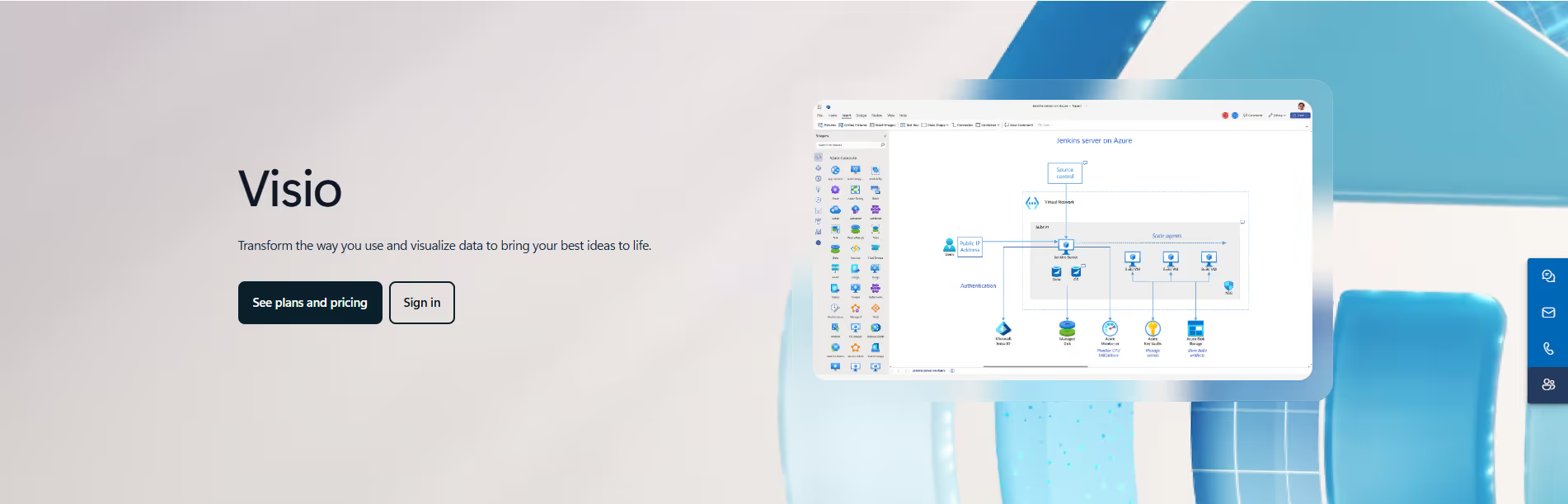
A look inside
Frequently Asked Questions
What is Microsoft Visio and what is it used for?
How does Microsoft Visio help with diagramming?
What features does Microsoft Visio offer?
Is Microsoft Visio suitable for beginners?
Who should use Microsoft Visio and what benefits can they expect?
Alternatives
Conversion Gems independently reviews every tool.