

AbleSign
Free digital signage software that plays images, videos and web pages on Android, Fire TV, BrightSign and browser screens.
Our take: AbleSign runs on Android devices, Amazon Signage Stick and Fire TV Stick, BrightSign players and any device with a web browser.
AbleSign is free digital signage software: you install its app on a screen device, build a playlist of images, videos and web pages in a web portal, and the screen plays it. It is used by shops, restaurants, offices, schools and churches. AbleSign says there are no per-screen fees; the only paid option we found is extra storage. It is not an e-signature tool.
Free, simple digital signage for small and mid-sized screen networks; it has nothing to do with electronic signatures.
Our score
Reviewed by the Conversion Gems editorial team. Hover a facet to focus it; click to pin.Tap a facet to focus it.
What it is, and why we rate it
One line each. Open a row for detail.
Our takeAbleSign runs on Android devices, Amazon Signage Stick and Fire TV Stick, BrightSign players and any device with a web browser.
Why we rate itIt covers the core signage jobs (playlists, scheduling, screen groups, offline playback, proof of play) at no cost.
Best / not good for
- Small businesses and restaurants needing menu boards or lobby displays
- Churches, schools, and nonprofits with zero signage budget
- Corporate office messaging on a small screen count
- Enterprise digital advertising networks needing SLAs and uptime guarantees
- Anyone needing e-signature or document workflow features
- Teams requiring dedicated vendor support or account management
Friction report
Trade-offs to know before signing up.
- Time to valueFast: install the app, create a free account at app.ablesign.tv, enter the pairing code shown on the screen and add media to a playlist.
- Scale breakpointLarge media libraries may need the paid Storage Plus plan, whose price isn't published.
- Walled gardenLow: standard media files (video/image); no proprietary lock-in beyond playlist configurations.
AbleSign pricing
| Plan | Price | What you get |
|---|---|---|
| AbleSign | Free | Playlists, scheduling, screen groups, synchronized playback, proof of play, workspaces, team permissions, API |
| Storage Plus | Not published | 100GB of extra content-library storage |
From AbleSign's website and knowledge base, checked 3 October 2026. AbleSign says it has no per-screen fees. Storage Plus is bought from Account settings in the app; its price isn't shown on the public site.
Supported devices
| Device | Requirement |
|---|---|
| Android devices and Android TVs | Android 7.0 or later |
| Amazon Signage Stick and Fire TV Stick | FireOS 6.0 or later (not VegaOS Fire TV Sticks) |
| BrightSign players | BrightSignOS 8.5 or later |
| Any device with a web browser | Web player |
From AbleSign's homepage, checked 3 October 2026.
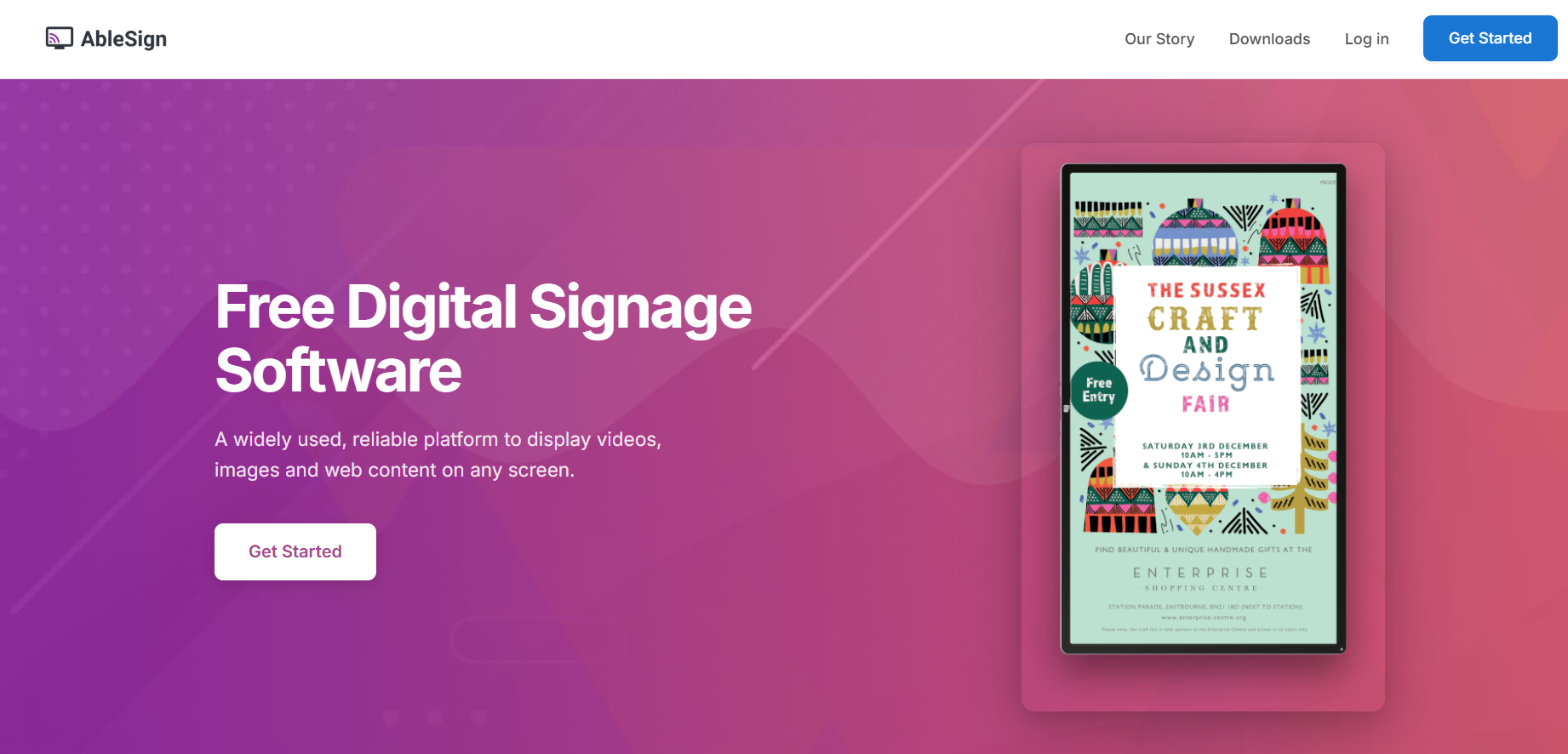
A look inside
Frequently Asked Questions
Is AbleSign free?
Is AbleSign an e-signature tool?
What devices does AbleSign work on?
Does AbleSign work offline?
Is ablesign.com the official AbleSign site?
Alternatives
Conversion Gems independently reviews every tool.