

Type Studio
Type Studio is a text-based AI video editor that allows users to edit videos by modifying the transcribed text, generate subtitles, and repurpose content quickly for multiple platforms.
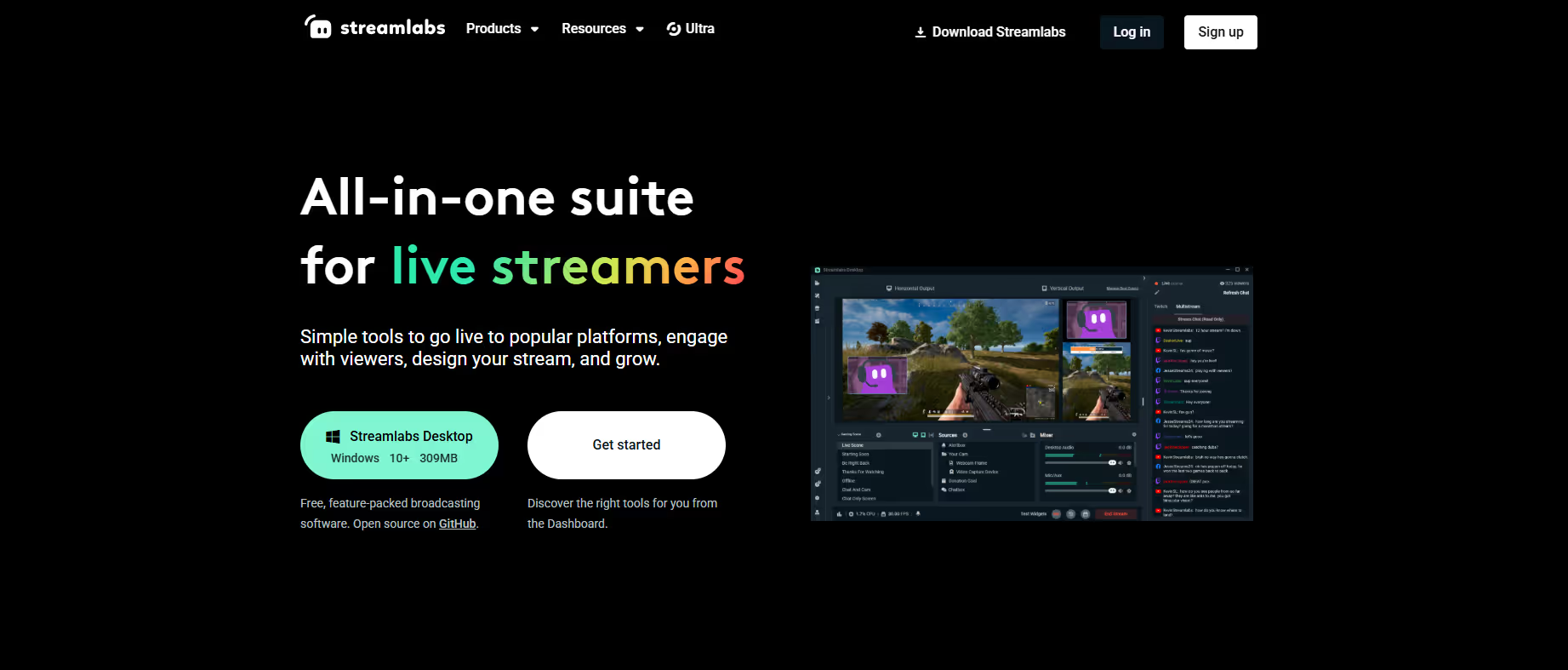
Our take: Originally launched as Type Studio, this text-based video editor was acquired by Streamlabs and rebranded as Streamlabs Podcast Editor — typestudio.co now fully redirects to Streamlabs.
The fastest way to edit talking-head video by cutting a transcript, now folded into Streamlabs' broader creator suite.
Our score
Reviewed by the Conversion Gems editorial team. Hover a facet to focus it; click to pin.Tap a facet to focus it.
Community ratings
Shown for context only. Our score is independent.
 G2
G2 Capterra
5.0 / 5 aggregate · across 2 sources
Third-party ratings shown verbatim; aggregate weighted by review volume.
What it is, and why we rate it
One line each. Open a row for detail.
Our takeOriginally launched as Type Studio, this text-based video editor was acquired by Streamlabs and rebranded as Streamlabs Podcast Editor — typestudio.co now fully redirects to Streamlabs.
Why we rate itThe transcript-based editing workflow removes the single biggest friction point in podcast and talking-head video editing.
Best / not good for
- Podcasters repurposing long-form episodes into social clips
- Social media managers needing fast auto-subtitle generation
- Non-technical creators intimidated by timeline-based editors
- Complex multi-track or multi-camera productions
- Users who only need the editor and not the broader Streamlabs streaming suite
- Offline or desktop-first editing workflows
Friction report
Trade-offs to know before signing up.
- Time to valueFast: upload a video and a transcript appears within minutes; first cuts can be made immediately with no learning curve.
- Scale breakpointUpload size and clip length are capped on the free tier; scaling to Pro locks you into the full Ultra subscription cost.
- Walled gardenModerate: exports to standard video/audio formats, but all projects and workflows live inside the Streamlabs cloud ecosystem.
A look inside
Frequently Asked Questions
What is Type Studio and what problem does it solve?
How does Type Studio change the video editing workflow?
Who benefits most from using Type Studio?
Can Type Studio be used for subtitles and captions?
Why choose Type Studio instead of traditional video editors?
Alternatives
Conversion Gems independently reviews every tool.