
Adobe Premiere Pro
Adobe Premiere Pro is a professional video editing software used by filmmakers, YouTubers, and content creators to edit, enhance, and export high-quality videos.
Our take: Premiere Pro is the industry-standard professional video editor rather than an AI-first tool.
The gold standard for professional video editing — indispensable for serious editors, overkill for casual creators.
Our score
Reviewed by the Conversion Gems editorial team. Hover a facet to focus it; click to pin.Tap a facet to focus it.
Community ratings
Shown for context only. Our score is independent.
 G2
G2 Capterra
 Trustpilot
2.0 / 5 aggregate · across 3 sources
Third-party ratings shown verbatim; aggregate weighted by review volume.
What it is, and why we rate it
One line each. Open a row for detail.
Our takePremiere Pro is the industry-standard professional video editor rather than an AI-first tool.
Why we rate itNo other NLE matches Premiere's combination of format breadth, Adobe ecosystem depth, and professional-grade color/audio tooling.
The catchSubscription cost is steep for infrequent users, and the app demands powerful hardware — 4K+ editing stutters on underpowered machines.
Best / not good for
- Professional filmmakers and video editors working on complex multi-track timelines
- Content studios already invested in the Adobe Creative Cloud ecosystem
- YouTubers and social creators who need advanced color, audio, and motion graphics at scale
- Casual hobbyists who need simple trims and exports — cheaper tools suffice
- Teams needing collaborative cloud-based editing without heavy local hardware
- Budget-conscious creators unwilling to commit to an ongoing subscription
Friction report
Trade-offs to know before signing up.
- Time to valueModerate: installation and first project can start within an hour, but meaningful productivity requires days of learning the interface and keyboard shortcuts.
- Scale breakpointHardware becomes the bottleneck at 4K+ multi-cam or 8K workflows; per-seat business pricing escalates quickly for larger teams.
- Walled gardenModerate: project files (.prproj) are proprietary and media dependencies require careful management; migrating to DaVinci Resolve or Final Cut is possible via XML/EDL but fidelity is imperfect.
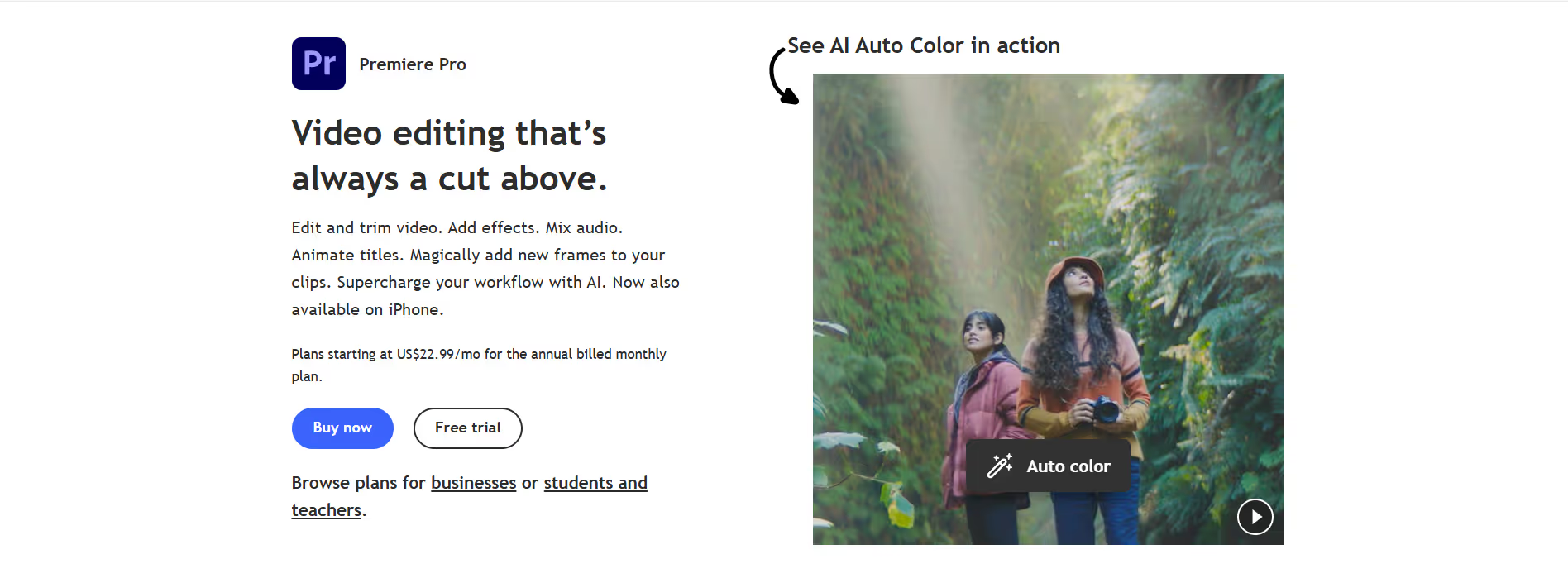
A look inside
Frequently Asked Questions
What is Adobe Premiere Pro and what is it used for?
How does Adobe Premiere Pro help with video editing?
What features does Adobe Premiere Pro offer?
Is Adobe Premiere Pro suitable for beginners?
Who should use Adobe Premiere Pro and what benefits can they expect?
Alternatives
Conversion Gems independently reviews every tool.