

Remaker AI
Remaker AI is a credit-based AI creative suite for face swap, image editing, and video enhancement.
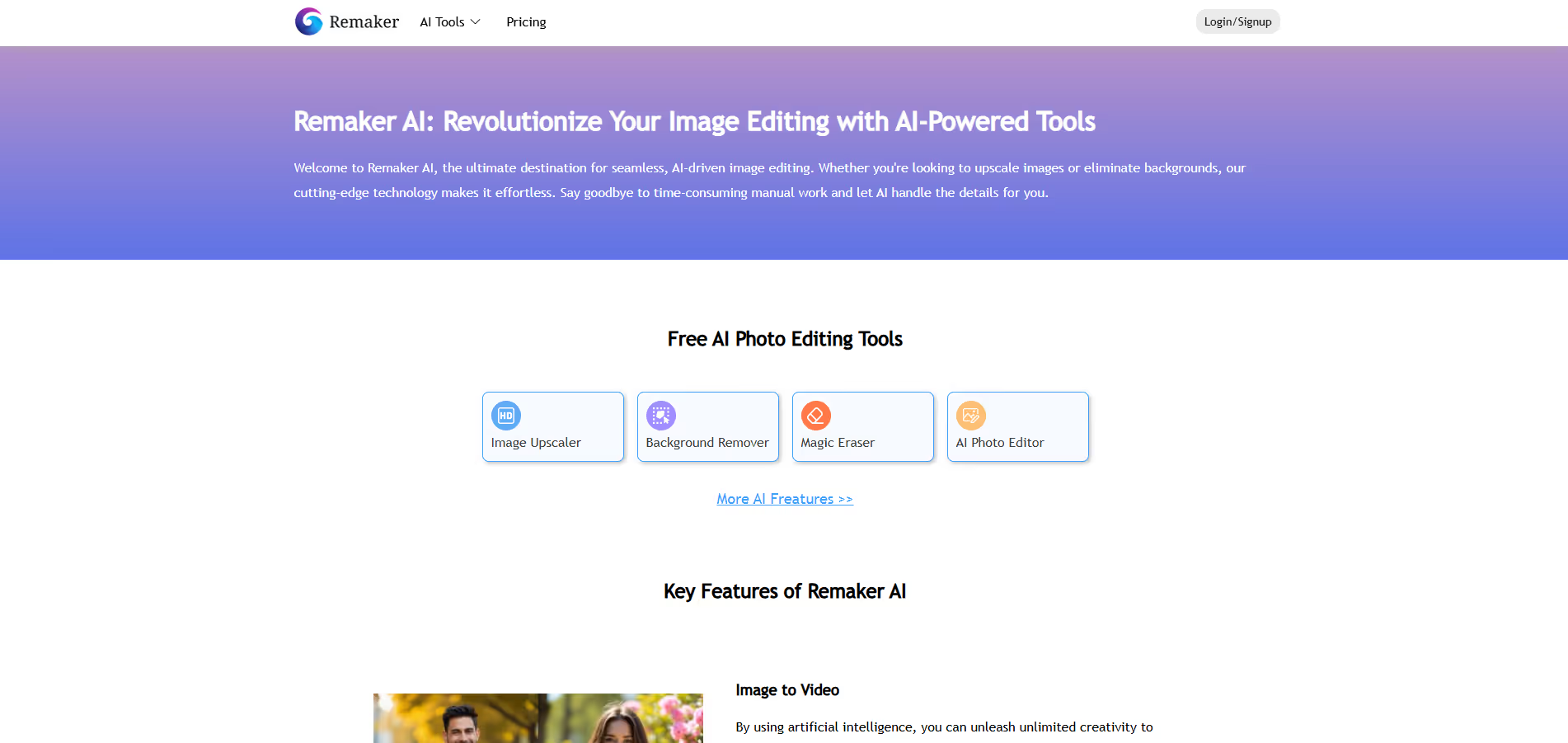
Our take: Remaker AI is a browser-based multi-tool platform where face swap is the headline feature but far from the only one — it also covers background removal, image upscaling, AI portrait generation, magic eraser, and video generation.
Capable AI creative suite built around face swap; credit-only pricing is flexible but video tasks are credit-hungry.
Our score
Reviewed by the Conversion Gems editorial team. Hover a facet to focus it; click to pin.Tap a facet to focus it.
Community ratings
Shown for context only. Our score is independent.
 G2
G24.6 / 5 aggregate · across 1 source
Third-party ratings shown verbatim; aggregate weighted by review volume.
What it is, and why we rate it
One line each. Open a row for detail.
Our takeRemaker AI is a browser-based multi-tool platform where face swap is the headline feature but far from the only one — it also covers background removal, image upscaling, AI portrait generation, magic eraser, and video generation.
Why we rate itRemaker AI earns points for its breadth (face swap, background removal, upscaling, AI avatars all in one place) and transparent, no-expiry credit model.
The catchVideo processing is credit-intensive — a 19-second enhancement can cost 57+ credits, making the credit budget evaporate quickly for video-heavy workflows.
Best / not good for
- Social media creators needing quick face-swap clips or AI portraits
- Marketers wanting watermark-free AI visuals on a pay-as-you-go basis
- Casual users who want occasional AI edits without a monthly subscription
- High-volume video production — credit costs escalate rapidly
- Developers or teams needing API access or workflow integrations
- Enterprise use cases requiring SSO, team management, or SLA support
Friction report
Trade-offs to know before signing up.
- Time to valueFast — browser-based with no install; free credits available immediately after signup to test core tools.
- Scale breakpointCredit costs become prohibitive at scale for video tasks; no bulk team pricing or API means workflows cannot be automated.
- Walled gardenModerate — outputs are downloadable but all processing is cloud-only, no self-hosting or API egress path.
A look inside
Frequently Asked Questions
What is Remaker AI and what does it do?
What kind of features are included in Remaker AI?
Do I need technical skills to use Remaker AI?
How does Remaker AI handle pricing and usage?
Who should use Remaker AI?
Alternatives
Conversion Gems independently reviews every tool.