

GPTExcel
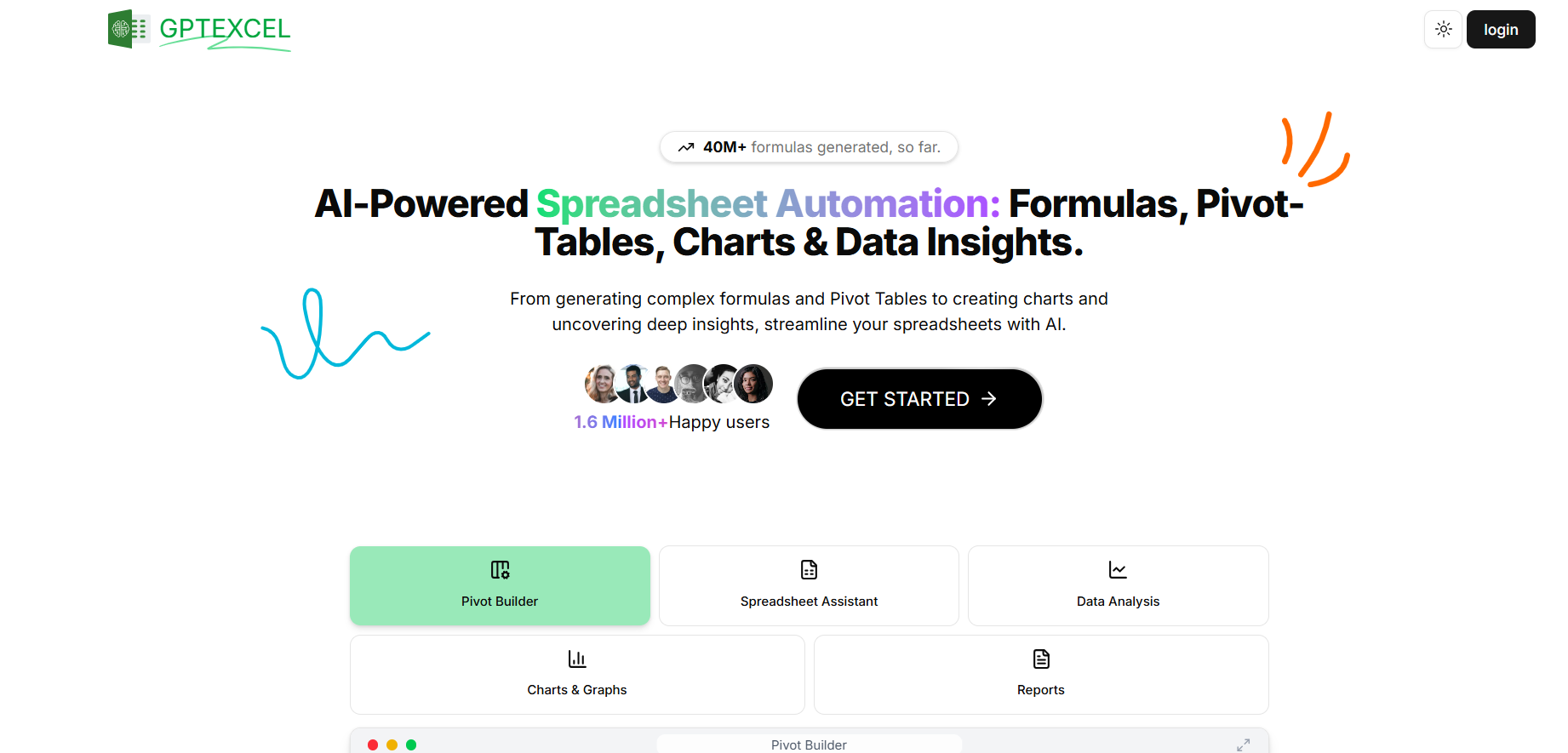
GPTExcel is an AI assistant that generates formulas, SQL, scripts, and data analysis for Excel, Google Sheets, LibreOffice, and Airtable.
Our take: GPTExcel is a web-based AI spreadsheet assistant — not an Excel plugin — that accepts plain-English prompts and returns formulas, VBA/Apps Script, regex, SQL, and data insights.
The most accessible AI formula-and-script generator for everyday spreadsheet users, with a compelling lifetime option for heavy users.
Our score
Reviewed by the Conversion Gems editorial team. Hover a facet to focus it; click to pin.Tap a facet to focus it.
What it is, and why we rate it
One line each. Open a row for detail.
Our takeGPTExcel is a web-based AI spreadsheet assistant — not an Excel plugin — that accepts plain-English prompts and returns formulas, VBA/Apps Script, regex, SQL, and data insights.
Best / not good for
- Analysts and finance teams automating Excel/Google Sheets workflows
- Non-developers who need VBA, Apps Script, or SQL without coding knowledge
- Occasional spreadsheet users who want lifetime access without a monthly bill
- Teams needing deep BI or dashboard tooling beyond spreadsheets
- Developers who prefer code-first automation (better served by Python/pandas workflows)
- Heavy users on the free tier — the daily cap hits fast
Friction report
Trade-offs to know before signing up.
- Time to valueFast: no installation required; paste a prompt and get a formula or script in seconds from the web app.
- Scale breakpointUsage caps on Pro Essential (3,000/month) can constrain data-heavy teams running frequent batch analyses.
- Walled gardenLow: outputs are plain formulas, SQL, or scripts you paste into any spreadsheet — no lock-in to proprietary format.
A look inside
Frequently Asked Questions
Does this AI spreadsheet tool generate formulas from natural language descriptions?
Can GPTExcel generate Excel formulas from plain text descriptions?
How does GPTExcel enable users to generate Excel and Google Sheets formulas using natural language prompts with AI?
How does this AI spreadsheet tool automate calculations, formulas, and data analysis for users?
How can users leverage this AI tool to analyze and manipulate Excel data using natural language commands?
Alternatives
Conversion Gems independently reviews every tool.