
Dyknow
Monitors student activity and digital engagement for classroom management.
Our take: Dyknow is a classroom management platform that lets teachers monitor student Chromebooks, Windows PCs, and Macs in real time — viewing live screens, blocking websites or apps, locking devices, and reviewing post-class activity history.
Purpose-built K-12 classroom management with real-time device monitoring across Chromebook, Windows, and Mac — now backed by Securly's broader edtech suite.
Our score
Reviewed by the Conversion Gems editorial team. Hover a facet to focus it; click to pin.Tap a facet to focus it.
Community ratings
Shown for context only. Our score is independent.
 G2
G2 Capterra
4.5 / 5 aggregate · across 2 sources
Third-party ratings shown verbatim; aggregate weighted by review volume.
What it is, and why we rate it
One line each. Open a row for detail.
Our takeDyknow is a classroom management platform that lets teachers monitor student Chromebooks, Windows PCs, and Macs in real time — viewing live screens, blocking websites or apps, locking devices, and reviewing post-class activity history.
Why we rate itDyknow/Securly Classroom is one of the few classroom management tools that works across Chromebook, Windows, and Mac with teacher-friendly controls.
The catchPricing is opaque — actual per-device/per-student costs require contacting sales, making budget planning difficult.
Best / not good for
- K-12 schools running 1:1 Chromebook, Windows, or Mac programmes
- Teachers who want live screen visibility and one-click website blocking during lessons
- IT administrators already using Securly for content filtering who want a unified platform
- Higher education or corporate device management scenarios
- Schools needing a permanent free tier with no budget for edtech licensing
- Environments where full Chromebook desktop monitoring (beyond browser) is required
Friction report
Trade-offs to know before signing up.
- Time to valueModerate — teacher setup is straightforward once IT deploys the agent, but district procurement and device rollout add lead time.
- Scale breakpointCustom quote required above entry level; per-device costs and district-wide contracts can become complex for large deployments.
- Walled gardenModerate — activity data and blocking policies live within the Dyknow/Securly platform; limited data export options for analytics outside the system.
A look inside
Frequently Asked Questions
How does this classroom management software monitor student device activity in schools?
Does this classroom management software help teachers monitor student devices?
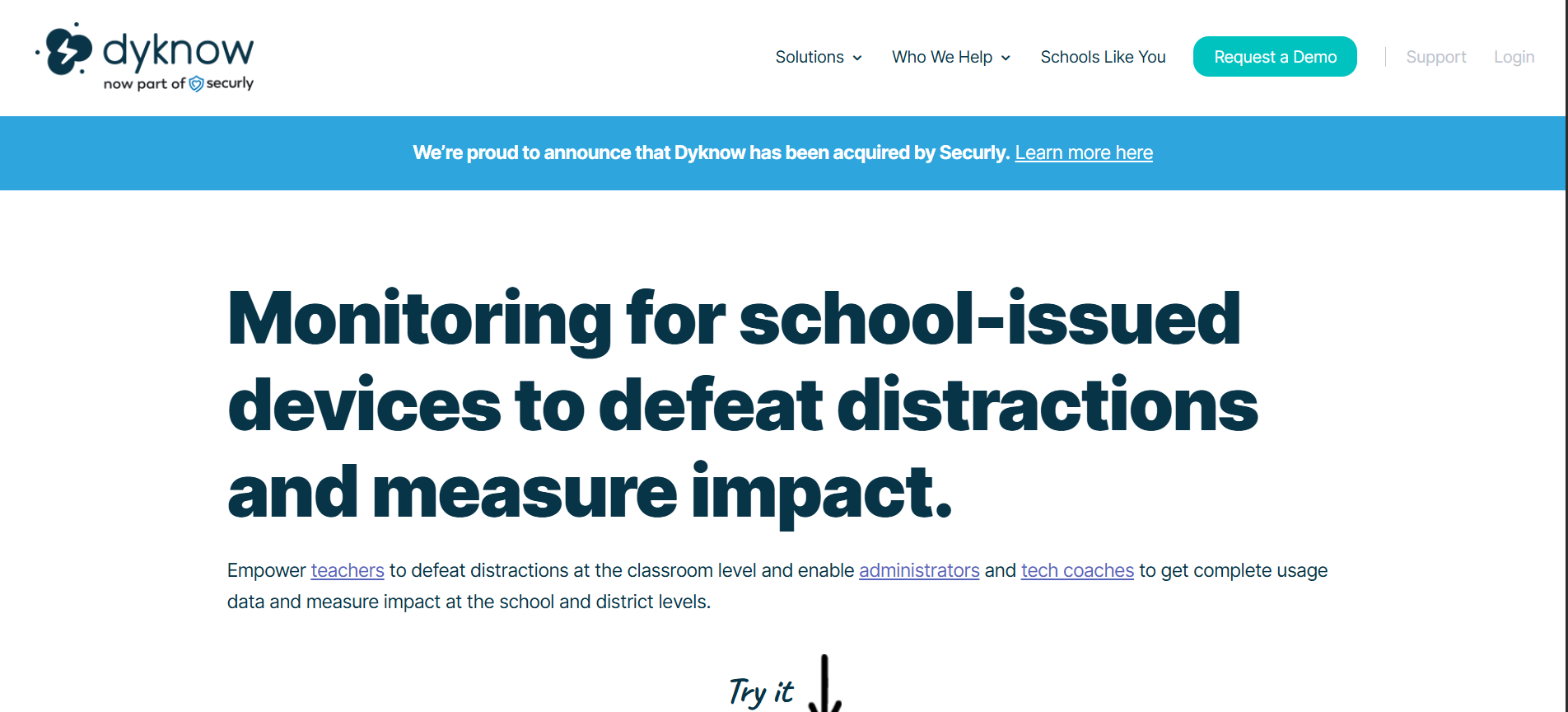
How does Dyknow help teachers in monitoring student device activity and blocking distractions?
How does this classroom monitoring software track student activity and engagement on devices?
What classroom monitoring and student engagement solutions does this platform provide for teachers?
Alternatives
Conversion Gems independently reviews every tool.