

Docparser
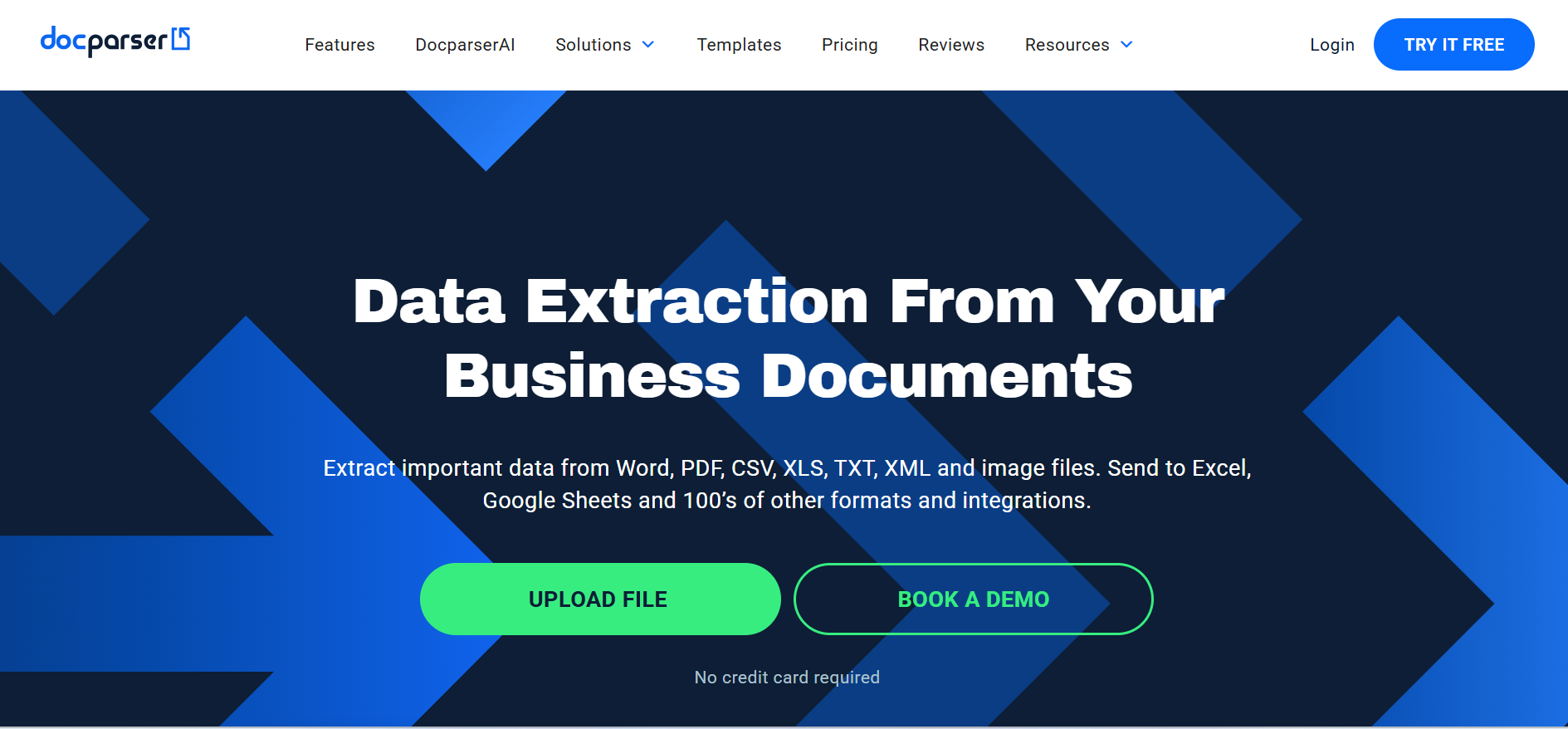
Parses documents, invoices, and forms to automate data extraction workflows.
Our take: Docparser is a mature, rule-based document parsing service used by operations and finance teams to automate invoice and form processing.
Best-in-class PDF parser for operations teams — reliable rule-based extraction with broad integration support.
Our score
Reviewed by the Conversion Gems editorial team. Hover a facet to focus it; click to pin.Tap a facet to focus it.
Community ratings
Shown for context only. Our score is independent.
 G2
G2 Capterra
4.7 / 5 aggregate · across 2 sources
Third-party ratings shown verbatim; aggregate weighted by review volume.
What it is, and why we rate it
One line each. Open a row for detail.
Our takeDocparser is a mature, rule-based document parsing service used by operations and finance teams to automate invoice and form processing.
The catchCredit-based pricing means volume spikes incur add-on costs.
Best / not good for
- Finance teams automating invoice and PO data capture
- Operations teams processing standardized recurring PDFs
- Businesses replacing manual data-entry workflows
- High-volume processing above 1,000 documents per day
- Teams needing AI/LLM-based document understanding beyond rule matching
- Budget-constrained teams requiring a permanent free tier
Friction report
Trade-offs to know before signing up.
- Time to valueModerate: parser template setup requires per-layout configuration, though the visual builder accelerates the process significantly.
- Scale breakpointCredit overages hit Business tier before Enterprise custom pricing becomes necessary, typically above 1,000 documents per month.
- Walled gardenLow: exports to CSV, Excel, Google Sheets, and JSON; robust API and Zapier integrations for downstream workflows.
A look inside
Frequently Asked Questions
Does the parser handle scanned PDFs with low-quality text recognition?
Does this document parser extract specific data from PDFs and invoices automatically?
How does Docparser automate the extraction of specific data fields from PDFs and integrate them into other systems?
How does this vendor management platform track contracts, compliance, and performance across suppliers?
What capabilities does this tool provide for extracting structured data from documents automatically?
Alternatives
Conversion Gems independently reviews every tool.