

Designs.ai Videomaker
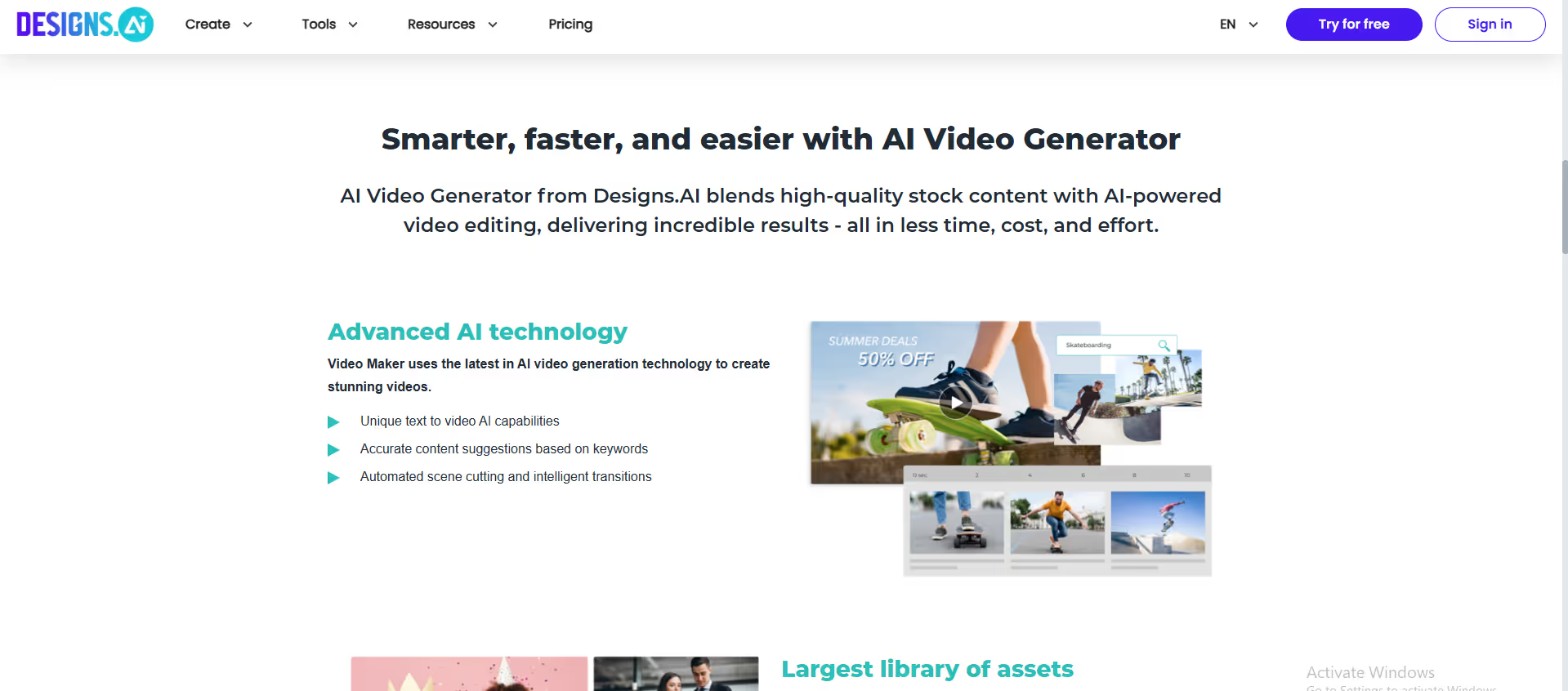
Designs.AI’s Video Maker is an online AI video editing and production tool that turns your text into high-quality videos in minutes.
Our take: Videomaker is one of 11 AI tools included in every Designs.ai subscription — buying any plan gives access to the full suite, not just video.
A budget-friendly text-to-video entry point that earns its keep by bundling 10 other AI creative tools in the same subscription.
Our score
Reviewed by the Conversion Gems editorial team. Hover a facet to focus it; click to pin.Tap a facet to focus it.
Community ratings
Shown for context only. Our score is independent.
 Trustpilot
1.5 / 5 aggregate · across 1 source
Third-party ratings shown verbatim; aggregate weighted by review volume.
What it is, and why we rate it
One line each. Open a row for detail.
Our takeVideomaker is one of 11 AI tools included in every Designs.ai subscription — buying any plan gives access to the full suite, not just video.
Best / not good for
- Small businesses producing quick promo or social-media videos
- Non-designers wanting a single subscription covering multiple AI creative tasks
- Budget-conscious solo creators needing text-to-video without a steep learning curve
- Teams requiring true generative AI video without stock-footage constraints
- Creators needing fine-grained voiceover customisation (pitch, pace, pronunciation)
- Professionals who need advanced timeline editing or multi-track production
Friction report
Trade-offs to know before signing up.
- Time to valueFast: paste a script, choose a template, download a finished video in minutes with no prior editing experience.
- Scale breakpointCredit caps become a bottleneck at the Basic tier for high-volume producers; teams beyond one seat must upgrade to Pro.
- Walled gardenModerate: videos export in standard formats, but credits, templates, and assets are fully platform-locked.
A look inside
Frequently Asked Questions
What is Designs.ai Videomaker and what does it do?
Who should use Designs.ai Videomaker?
How does Designs.ai Videomaker save time in video production?
Can Designs.ai Videomaker customize branding and style?
Why choose Designs.ai Videomaker over traditional video editing software?
Alternatives
Conversion Gems independently reviews every tool.