
Productivity & Business · Project Management

Coda

Coda is an all-in-one document that blends the power of words, data, and applications into a single, flexible canvas, enabling teams to build custom tools and workflows.

Our take: Coda sits in a unique category between Notion, Airtable, and no-code builders: its docs can embed live tables, trigger automations, and run formula-driven logic all in one canvas.

Best forTeams and individuals seeking a highly customizable, all-in-one workspace solution that goes beyond traditional documents and spreadsheets to build dynamic tools and streamline operations
ReviewedPricing: Freemium
Try CodaFree; paid from $10/mo per Doc Maker
The bottom line

The best choice for teams that need a single doc to replace a project tracker, wiki, and lightweight internal app simultaneously.

Our score

Reviewed by the Conversion Gems editorial team. Hover a facet to focus it; click to pin.Tap a facet to focus it.

Community ratings

Shown for context only. Our score is independent.

G2
4.6 out of 5
490+ reviews
Capterra
4.6 out of 5
90+ reviews

4.6 / 5 aggregate · across 2 sources

Third-party ratings shown verbatim; aggregate weighted by review volume.

What it is, and why we rate it

One line each. Open a row for detail.

What it really isCoda — all-in-one doc platform blending text, tables, and lightweight app building.
Our takeCoda sits in a unique category between Notion, Airtable, and no-code builders: its docs can embed live tables, trigger automations, and run formula-driven logic all in one canvas.
The Pro plan costs $10/mo per Doc Maker, and there is a free tier. The billing model is unusually team-friendly — only 'Doc Makers' (creators/editors of structure) pay; viewers and commenters are always free.
Why we rate itCoda's formula language is more expressive than Notion's and its automation engine is deeper than a basic wiki tool.
The Doc Maker billing model is genuinely differentiated — teams with many readers but few power-builders get good value. The Packs ecosystem (Jira, Salesforce, Slack, etc.) keeps it well connected.
The catchPerformance degrades noticeably with very large or complex docs.
The formula language has a real learning curve, and the Doc Maker cost can escalate quickly on teams where many people build docs. Free plan restricts automation runs and pack usage significantly.

Best / not good for

Best for
  • Ops and project teams building custom trackers and workflows
  • Product teams wanting a single source of truth for specs, tasks, and data
  • Small orgs replacing multiple SaaS tools with one flexible doc layer
Not good for
  • Large databases requiring high-volume row counts or heavy analytics
  • Teams needing a full no-code app builder with custom UI/UX control
  • Organizations wanting offline-first or on-premise document solutions
Trade-offs

Friction report

Trade-offs to know before signing up.

  1. Time to value
    Moderate: basic docs are instant, but realizing full value (automations, cross-doc sync, formulas) requires meaningful setup time.
  2. Scale breakpoint
    Per-Doc-Maker costs accumulate quickly when many team members create or restructure docs; large docs also slow down noticeably.
  3. Walled garden
    Moderate: CSV/JSON exports exist, but nested formula logic, automations, and Packs integrations are proprietary and don't migrate cleanly to other tools.

A look inside
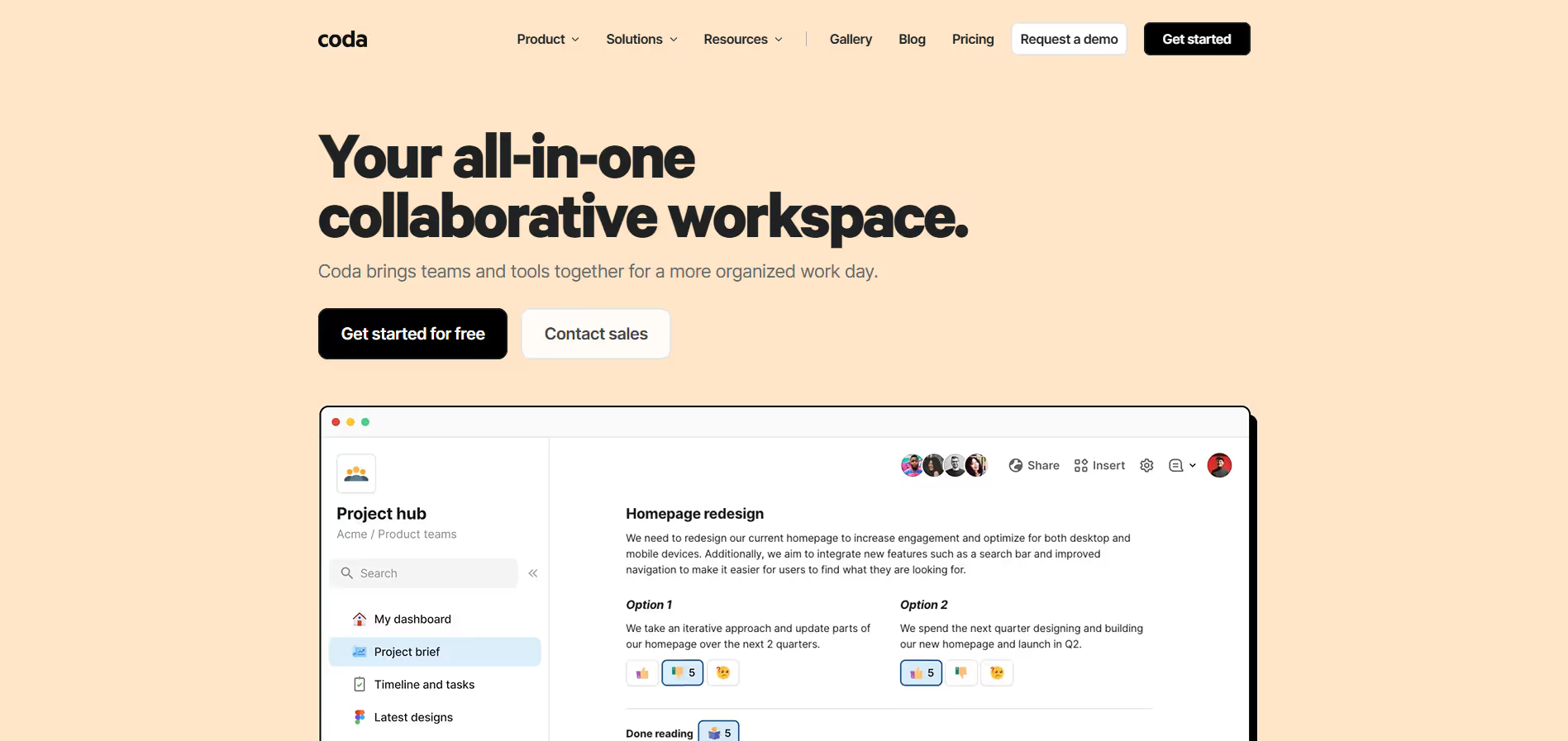
Coda product screenshot

Frequently Asked Questions

What is Coda and what does it do?

Coda is an all-in-one collaboration and productivity platform that lets teams build documents that behave like apps. Instead of juggling disparate tools like docs, spreadsheets, and project boards separately, Coda combines them into a single flexible workspace where text, data, automation, and interactive components work together seamlessly. This makes it easier to manage projects, plan work, and automate workflows without switching between multiple apps.

How does Coda help teams organize and manage work?

Coda lets you create customized documents that can contain tables, buttons, calendars, kanban boards, charts, and more — all in one place. You can link tables together, add formulas like a spreadsheet, and build interactive elements that respond to user actions. Because everything lives in a single doc, teams can centralize plans, data, and decisions, reducing context-switching and improving clarity across projects.

What features does Coda offer that make it more than a traditional document tool?

Unlike basic text editors, Coda provides rich data structures, formulas, controls (like buttons and dropdowns), and automation. You can build tables that behave like databases, create automated rules that trigger actions, and embed interactive visuals that update in real time. Coda also supports pack integrations with tools like Slack, Google Sheets, Gmail, and Jira, so your doc can act as a central hub that connects work across the stack.

Can Coda help automate workflows and reduce manual tasks?

Yes — Coda includes built-in automation features that trigger actions based on rules you define. For example, you can automatically notify teammates when a task is overdue, move items between tables when status changes, or update dashboards as data evolves. These automations reduce repetitive work and help keep team workflows moving without manual intervention.

Who should use Coda and what benefits can they expect?

Coda is ideal for product teams, operations professionals, project managers, marketers, and anyone who wants a flexible work platform. Users can expect faster collaboration, fewer disconnected tools, the ability to build solutions tailored to their workflows, and the opportunity to turn documents into powerful internal apps — all while keeping knowledge and actions in a single, unified workspace.

Alternatives

Conversion Gems independently reviews every tool.

Tags

#Docs#Collaboration#Automation
