AI Tools · AI Productivity

Browse AI

No-code AI web scraper & monitor that turns websites into structured data pipelines with ease.

Our take: Browse AI lets non-technical users point-and-click to build scraping and monitoring 'robots' for almost any website, handling dynamic content, pagination, infinite scroll, and login flows without writing code.

Best forNon-technical users
ReviewedPricing: Freemium
Try BrowseFree tier; paid from $19/mo (annual)
The bottom line

The fastest path from website to structured data feed for non-developers — just watch the credit burn rate.

Our score

Reviewed by the Conversion Gems editorial team. Hover a facet to focus it; click to pin.Tap a facet to focus it.

Community ratings

Shown for context only. Our score is independent.

G2
4.7 out of 5
50+ reviews
Capterra
4.6 out of 5
60+ reviews

4.6 / 5 aggregate · across 2 sources

Third-party ratings shown verbatim; aggregate weighted by review volume.

What it is, and why we rate it

One line each. Open a row for detail.

What it really isBrowse AI — no-code web scraping and page-monitoring platform built on a credit system.
Our takeBrowse AI lets non-technical users point-and-click to build scraping and monitoring 'robots' for almost any website, handling dynamic content, pagination, infinite scroll, and login flows without writing code.
It is squarely a web data extraction and monitoring tool. Entry price of $19/mo is correct for the annual Personal plan; monthly billing starts at $48/mo — worth flagging for cost-conscious buyers.
Why we rate itBrowse AI removes virtually every technical barrier to web data collection.
The point-and-click robot builder, built-in residential proxies, and change-monitoring alerts make it the most accessible full-featured scraper on the market for non-engineers.
The catchCredits deplete faster than expected on premium or JS-heavy sites, and the annual lock-in is required to access the attractive $19/mo entry price.
The free tier's 50 credits/mo is too thin for real workloads.

Best / not good for

Best for
  • Non-technical teams needing recurring structured data from websites
  • Competitive monitoring and price-change alerts without code
  • Quick prototyping of web data pipelines before investing in custom scrapers
Not good for
  • High-volume scraping at scale where per-credit costs exceed API-based alternatives
  • Developers wanting full programmatic control over scraping logic
  • Teams needing real-time sub-minute data refresh cadences
Trade-offs

Friction report

Trade-offs to know before signing up.

  1. Time to value
    Fast: first robot can be trained and running within 10–15 minutes via the point-and-click recorder.
  2. Scale breakpoint
    Credit exhaustion at medium-to-high volume; Premium tier ($500+/mo) is a steep jump from Professional with no mid-tier option.
  3. Walled garden
    Moderate: data exports to Google Sheets, Airtable, CSV, and webhooks are available, but robot logic and scheduling live entirely within Browse AI's platform.

A look inside
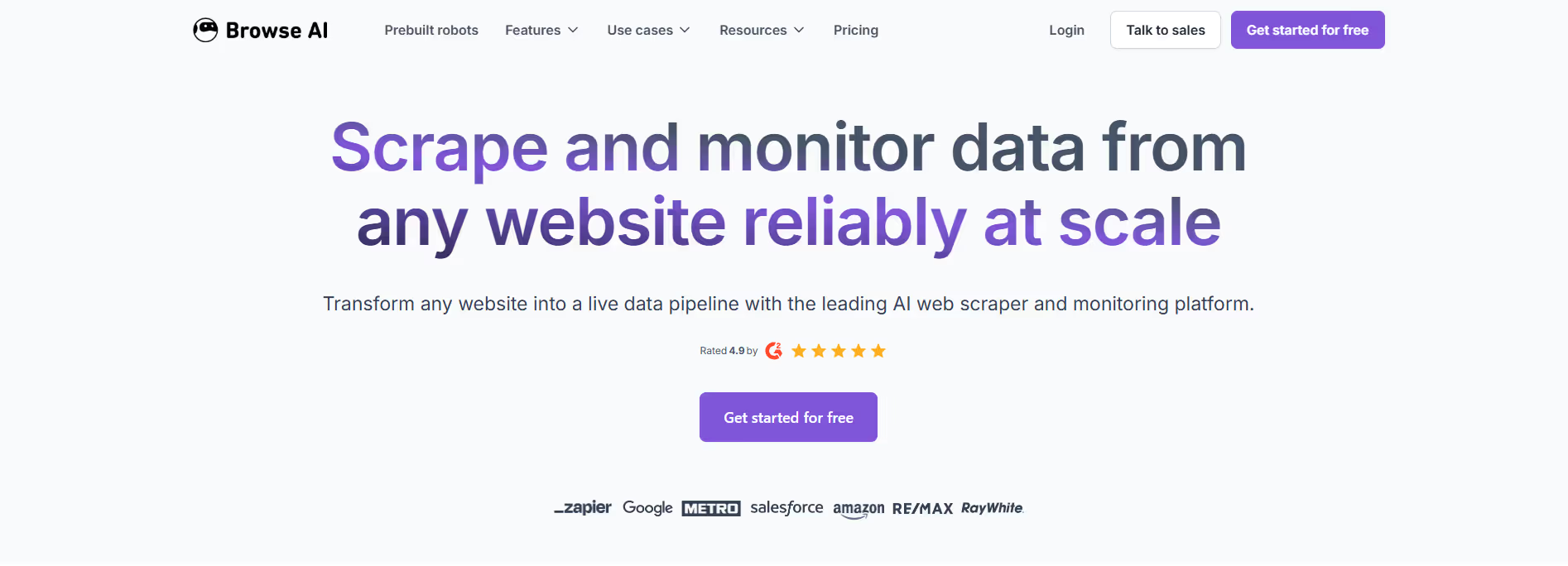
Browse AI product screenshot

Frequently Asked Questions

What is Browse AI and what does it do?

Browse AI is an AI-powered web automation and data extraction platform that allows users to automate repetitive tasks and extract data from websites without writing any code. Instead of manually copying information from pages, users can train an AI agent to navigate websites, monitor for changes, extract structured data, and deliver it in formats like CSV, Excel, Google Sheets, or via API. This makes it ideal for sales intelligence, price monitoring, market research, business insights, and competitive tracking.

How does Browse AI extract data from websites?

Browse AI uses trained “robots” or “agents” that you create by showing them how to navigate and capture information on a target website. Once an agent is trained — usually through a simple point-and-click interface — it can revisit the site on a schedule, log in if needed, and pull updated data automatically. This capability removes the need for manual scripts or technical scraping tools, making web data collection accessible to non-developers.

Can Browse AI handle complex tasks like login pages or dynamic content?

Yes — Browse AI is built to handle advanced scenarios including login authentication, pagination, multi-step workflows, dynamic page rendering, and conditional navigation. Agents can simulate user actions such as filling out forms, clicking buttons, and waiting for page content to load before capturing data. Because it mimics real user behavior, it can extract information from sites that use JavaScript, AJAX, and other modern web technologies.

What are some typical use cases for Browse AI?

Businesses use Browse AI for a wide range of tasks: tracking competitor pricing and product changes, monitoring job postings, gathering customer review data, updating CRM records, automating lead generation, watching for regulatory or market changes, and generating alerts when key website information changes. By automating these workflows, teams can focus on analysis and decision-making rather than manual data entry.

Who should use Browse AI and what benefits can they expect?

Browse AI is ideal for business analysts, market researchers, sales and marketing teams, product managers, and data professionals who want to gather real-world web data without spending time on manual scraping or building scripts. Users can expect significant time savings, real-time insights from scheduled monitoring, automated workflows tailored to their needs, and flexibility to export or integrate data directly into business systems via API or Google Sheets.

Alternatives

Conversion Gems independently reviews every tool.

Tags

#WebScraping#Automation#LeadGen
