

Beautiful.ai
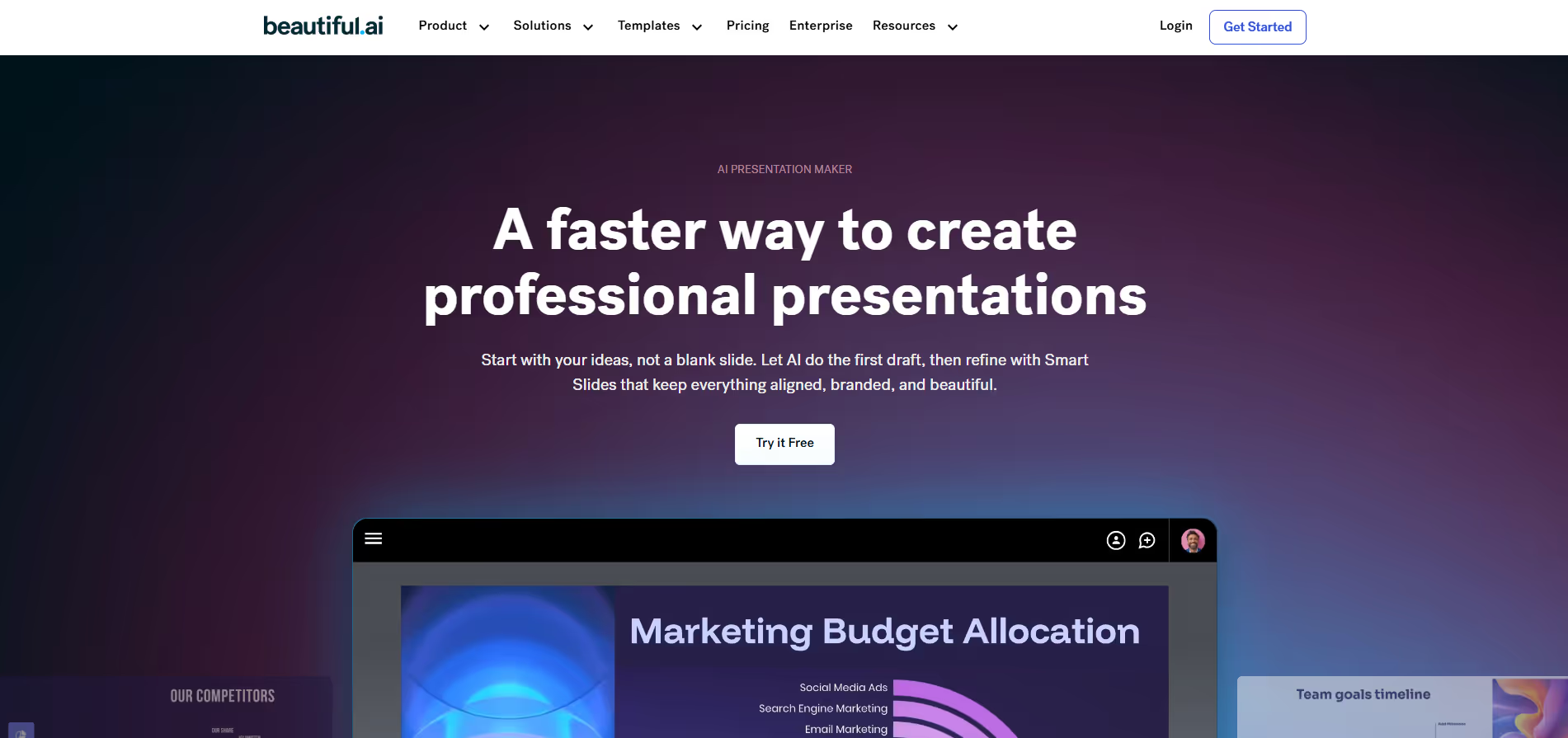
AI-powered presentation tool that auto-designs slides to save time and keep branding consistent.
Our take: Beautiful.ai's Smart Slides engine automatically adjusts layout, spacing, and typography as you type, eliminating most manual design work.
The fastest route from blank slide to polished deck — ideal for anyone who wants professional results without design skills.
Our score
Reviewed by the Conversion Gems editorial team. Hover a facet to focus it; click to pin.Tap a facet to focus it.
Community ratings
Shown for context only. Our score is independent.
 G2
G2 Capterra
 Trustpilot
3.8 / 5 aggregate · across 3 sources
Third-party ratings shown verbatim; aggregate weighted by review volume.
What it is, and why we rate it
One line each. Open a row for detail.
Our takeBeautiful.ai's Smart Slides engine automatically adjusts layout, spacing, and typography as you type, eliminating most manual design work.
The catchDesign freedom is deliberately constrained — users who need pixel-level control or unconventional layouts will hit walls.
Best / not good for
- Business and sales teams needing consistent on-brand decks fast
- Individual professionals who lack design skills but need polished output
- Distributed teams that collaborate on live presentations
- Designers who need full creative freedom and custom layouts
- Large organizations on tight budgets — per-seat cost adds up at scale
- Offline-first workflows — browser-only with no desktop app
Friction report
Trade-offs to know before signing up.
- Time to valueFast: sign up, pick a template, and the Smart Slides engine produces a presentable deck within minutes.
- Scale breakpointAt 20+ seats the Team tier per-seat cost becomes significant; Enterprise requires custom negotiation with no published price.
- Walled gardenModerate: PowerPoint and PDF export exist, but Smart Slide logic and brand libraries live entirely inside the platform.
A look inside
Frequently Asked Questions
What is Beautiful.ai and what does it do?
How does Beautiful.ai make creating presentations easier?
What features does Beautiful.ai offer to users?
Can Beautiful.ai help improve team collaboration and efficiency?
Who should use Beautiful.ai and what benefits can they expect?
Alternatives
Conversion Gems independently reviews every tool.