

Animoto
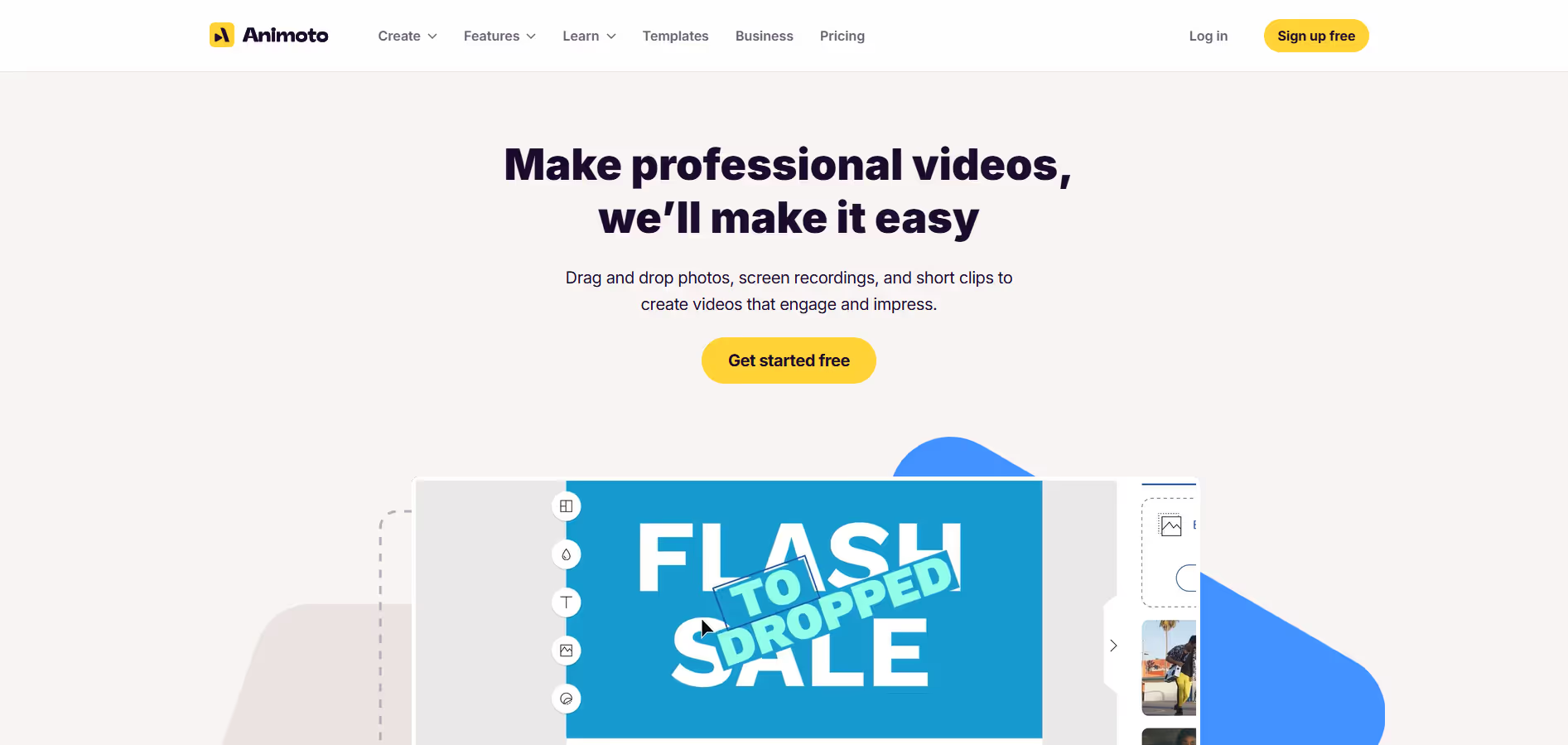
Animoto is an intuitive online video maker that enables users to create professional-looking videos quickly and easily, without requiring any prior video editing experience.
Our take: Animoto is a well-established template-driven video creation platform rather than an AI-native tool.
The easiest path from photos and clips to a shareable video — ideal for speed, not creative control.
Our score
Reviewed by the Conversion Gems editorial team. Hover a facet to focus it; click to pin.Tap a facet to focus it.
Community ratings
Shown for context only. Our score is independent.
 G2
G2 Capterra
 Trustpilot
3.8 / 5 aggregate · across 3 sources
Third-party ratings shown verbatim; aggregate weighted by review volume.
What it is, and why we rate it
One line each. Open a row for detail.
Our takeAnimoto is a well-established template-driven video creation platform rather than an AI-native tool.
Why we rate itAnimoto nails the speed-to-publish workflow for non-editors.
The catchTemplate-driven output means videos can feel formulaic; no multi-track editing, no advanced motion graphics, and the creative ceiling is low compared to dedicated editors.
Best / not good for
- Social media managers producing high-volume short-form content
- Real estate agents and small business owners needing quick promo videos
- Educators and non-profits on tight budgets with access to discounted plans
- Videographers or editors needing multi-track timelines and effects
- Agencies requiring deep brand customization across many clients
- Teams wanting AI-native script-to-video or avatar-based generation
Friction report
Trade-offs to know before signing up.
- Time to valueFast: sign up, pick a template, and publish in under 10 minutes — no software to install.
- Scale breakpointProfessional Plus caps at 3 team users; agencies needing more seats or deeper automation will outgrow the platform quickly.
- Walled gardenModerate: videos export freely but templates, licensed music, and Getty stock are platform-locked — rebuilding the same workflow elsewhere requires sourcing all assets again.
A look inside
Frequently Asked Questions
What is Animoto and what is it mainly used for?
How does Animoto simplify video creation?
What types of videos can be created with Animoto?
Is Animoto suitable for beginners and non-designers?
Who benefits the most from using Animoto?
Alternatives
Conversion Gems independently reviews every tool.