

Adobe Speech Enhancer
Adobe Speech Enhancer improves spoken dialogue recordings by removing background noise, reverb, and other imperfections to give a studio-quality sound with just one click.
Our take: Adobe Enhance Speech is the AI noise-removal feature inside Adobe Podcast, not a standalone product.
Best-in-class one-click speech cleanup with a truly useful free tier — upgrade only when file size or volume demands it.
Our score
Reviewed by the Conversion Gems editorial team. Hover a facet to focus it; click to pin.Tap a facet to focus it.
What it is, and why we rate it
One line each. Open a row for detail.
Our takeAdobe Enhance Speech is the AI noise-removal feature inside Adobe Podcast, not a standalone product.
The catchProcessing quotas (1 hr/day free, 4 hrs/day paid) can bottleneck high-volume producers, and quality can degrade on heavily reverberant or multi-speaker recordings.
Best / not good for
- Podcasters and YouTubers recording in untreated or noisy rooms
- Educators and journalists needing quick audio cleanup without audio engineering skills
- Video editors already in Adobe Premiere Pro who want seamless Essential Sound panel integration
- High-volume audio production shops that would hit daily processing caps
- Music or full-mix audio enhancement — the tool is speech-only
- Teams needing deep DAW-style control or multi-track noise profiling
Friction report
Trade-offs to know before signing up.
- Time to valueFast: no account required on the free tier; drag-and-drop a file and download the enhanced version in under two minutes.
- Scale breakpointDaily processing caps (1 hr free / 4 hrs paid) become a bottleneck for studios processing multiple long episodes per day.
- Walled gardenModerate: enhanced files download freely, but advanced workflow features (transcript editing, Studio, Premiere integration) tie you to the Adobe ecosystem.
A look inside
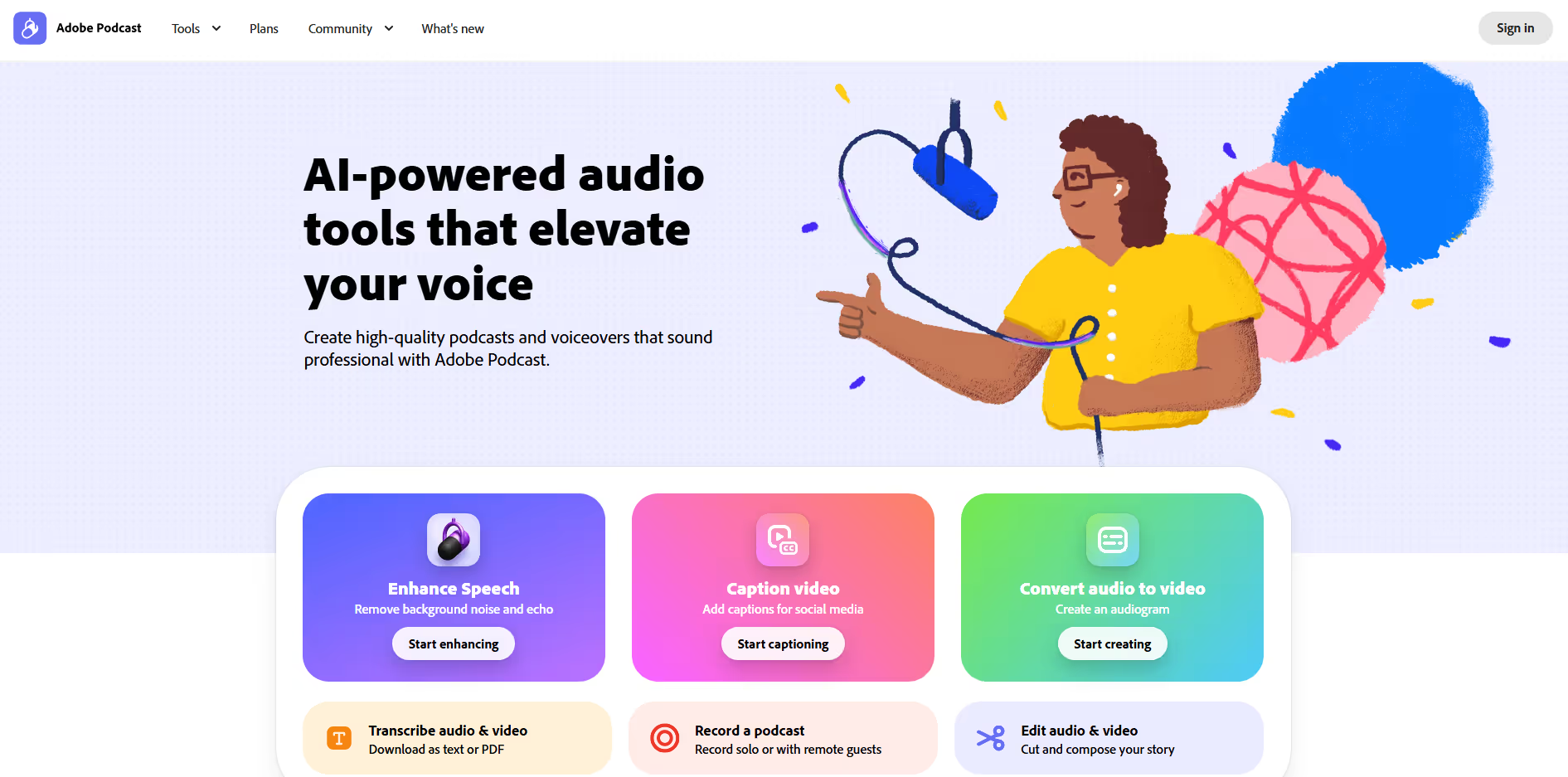
Frequently Asked Questions
What is Adobe Speech Enhancer and what is it used for?
Who can benefit most from Adobe Speech Enhancer?
How does Adobe Speech Enhancer improve voice quality?
Do I need audio editing skills to use Adobe Speech Enhancer?
Why choose Adobe Speech Enhancer over traditional audio editing software?
Alternatives
Conversion Gems independently reviews every tool.