

Sage 300
Comprehensive ERP solution for small to medium-sized businesses, offering robust financial, operational, and distribution management capabilities.
Our take: Sage 300 is a mature, modular ERP for small-to-mid-sized businesses that need multi-currency, multi-entity, and multi-location support — common in distribution, professional services, and wholesale.
A proven mid-market ERP with deep financial and distribution capabilities, but significant cost and complexity put it out of reach for smaller SMBs.
Our score
Reviewed by the Conversion Gems editorial team. Hover a facet to focus it; click to pin.Tap a facet to focus it.
Community ratings
Shown for context only. Our score is independent.
 G2
G2 Capterra
3.9 / 5 aggregate · across 2 sources
Third-party ratings shown verbatim; aggregate weighted by review volume.
What it is, and why we rate it
One line each. Open a row for detail.
Our takeSage 300 is a mature, modular ERP for small-to-mid-sized businesses that need multi-currency, multi-entity, and multi-location support — common in distribution, professional services, and wholesale.
Why we rate itSage 300 earns its place through decades of refinement in multi-entity financial management and a wide partner ecosystem.
The catchHigh total cost of ownership: implementation fees, annual maintenance, and per-module licensing stack up fast.
Best / not good for
- SMBs with multiple entities, currencies, or international locations
- Distribution and wholesale companies needing robust inventory and order management
- Organizations requiring deep financial consolidation and audit-ready reporting
- Small businesses or startups without IT resources and implementation budget
- Teams wanting a modern, self-serve SaaS setup with minimal onboarding
- Businesses that primarily need CRM or HR — Sage 300 is finance and ops focused
Friction report
Trade-offs to know before signing up.
- Time to valueSlow: typical implementations run 3–6 months with a certified partner; not a self-serve product.
- Scale breakpointPer-module and per-user licensing costs compound sharply as headcount and module count grow beyond initial scope.
- Walled gardenModerate: data is exportable and 300+ integrations exist, but workflows and customizations are tightly coupled to the Sage ecosystem and reseller network.
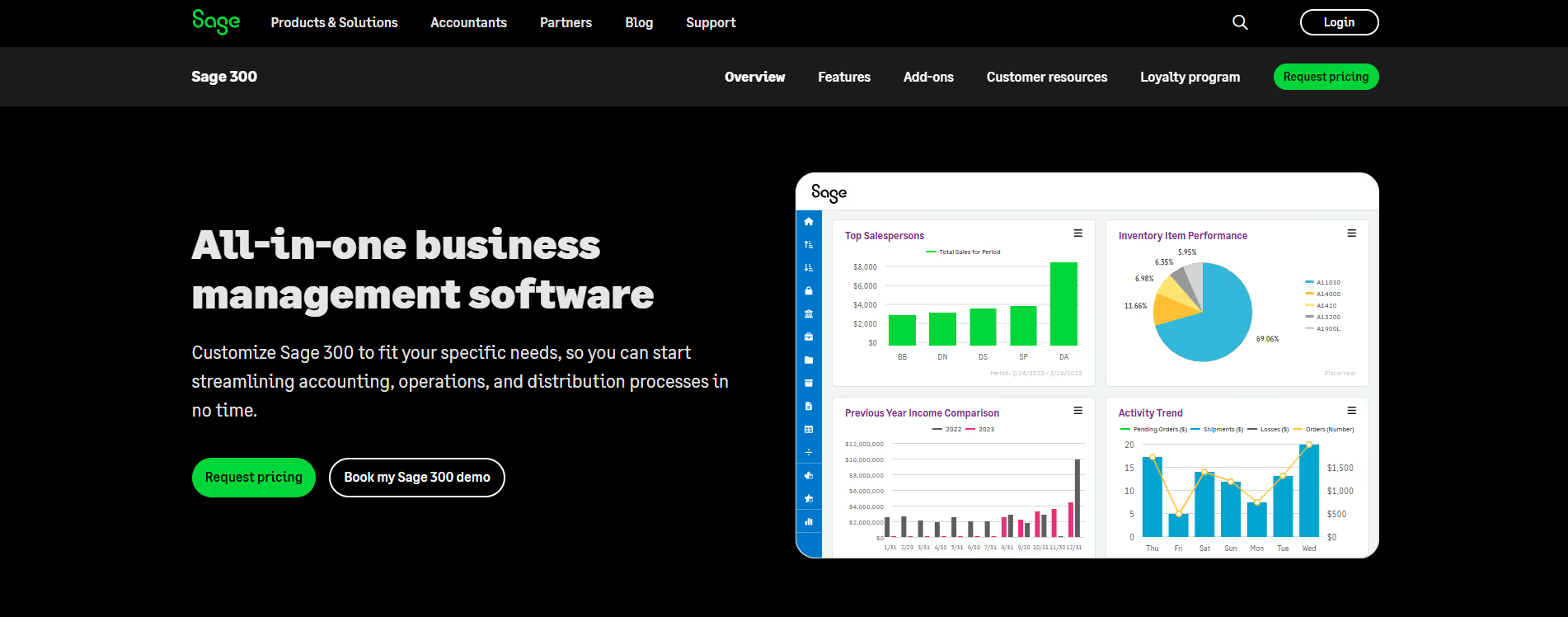
A look inside
Frequently Asked Questions
What is Sage 300 and what is it used for?
How does Sage 300 help businesses streamline operations?
What features does Sage 300 offer?
Sage 300 includes general ledger, accounts payable and receivable, budgeting and forecasting, inventory and order management, project and job costing, reporting dashboards, and integration tools. These features help businesses automate workflows and reduce manual accounting tasks.
Who should use Sage 300 and what benefits can they expect?
Alternatives
Conversion Gems independently reviews every tool.