

LuminaBrush
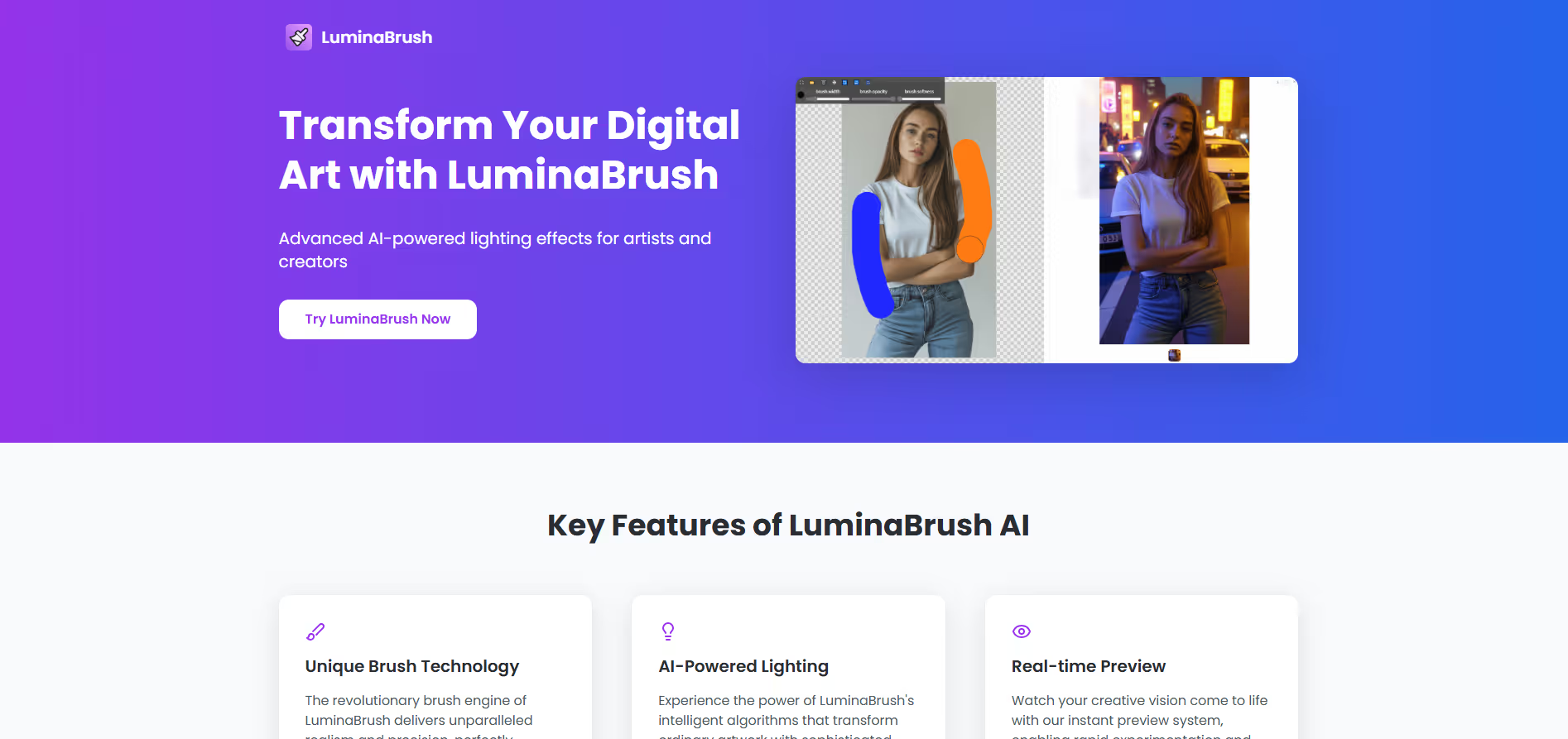
AI-enhancement tool for images that allows brush-based realistic lighting effects and professional post-production finishes.
Our take: LuminaBrush is a focused AI image-enhancement tool for photo editing and enhancement.
Solid niche pick for adding convincing brush-driven lighting to photos and artwork without 3D software.
Our score
Reviewed by the Conversion Gems editorial team. Hover a facet to focus it; click to pin.Tap a facet to focus it.
What it is, and why we rate it
One line each. Open a row for detail.
Our takeLuminaBrush is a focused AI image-enhancement tool for photo editing and enhancement.
Why we rate itLuminaBrush fills a genuine gap: most AI image tools apply global lighting adjustments, while LuminaBrush lets you paint light directionally at the brush level — a workflow that matches how photographers and concept artists think.
The catchPricing and feature tiers are opaque — no public pricing page on the official site makes it hard to plan at scale.
Best / not good for
- Digital artists and illustrators adding dramatic lighting to concept art
- E-commerce photographers needing consistent, studio-quality relighting at volume
- Content creators who want brush-level control over shadows and highlights without Photoshop complexity
- Generating images from scratch — this tool only enhances existing images
- Teams needing transparent, documented pricing tiers for budget approval
- Users whose source imagery is low-resolution or poorly exposed at capture
Friction report
Trade-offs to know before signing up.
- Time to valueFast: upload an image, select a brush preset, and see AI-generated lighting in seconds; no 3D setup required.
- Scale breakpointBatch-processing costs and per-image limits are unclear; pricing opacity makes it difficult to project costs for high-volume production pipelines.
- Walled gardenModerate: output images are exportable, but the brush-based lighting workflow and Flux-model presets are proprietary — recreating results in other tools is non-trivial.
A look inside
Frequently Asked Questions
What is LuminaBrush and what does it do?
How does LuminaBrush help improve image lighting?
What features make LuminaBrush easy to use?
Can LuminaBrush be used for professional creative work?
Who should use LuminaBrush?
Alternatives
Conversion Gems independently reviews every tool.