

Framer (AI)
AI-powered website builder with drag-and-drop design, responsive layouts, and modern CMS tools.
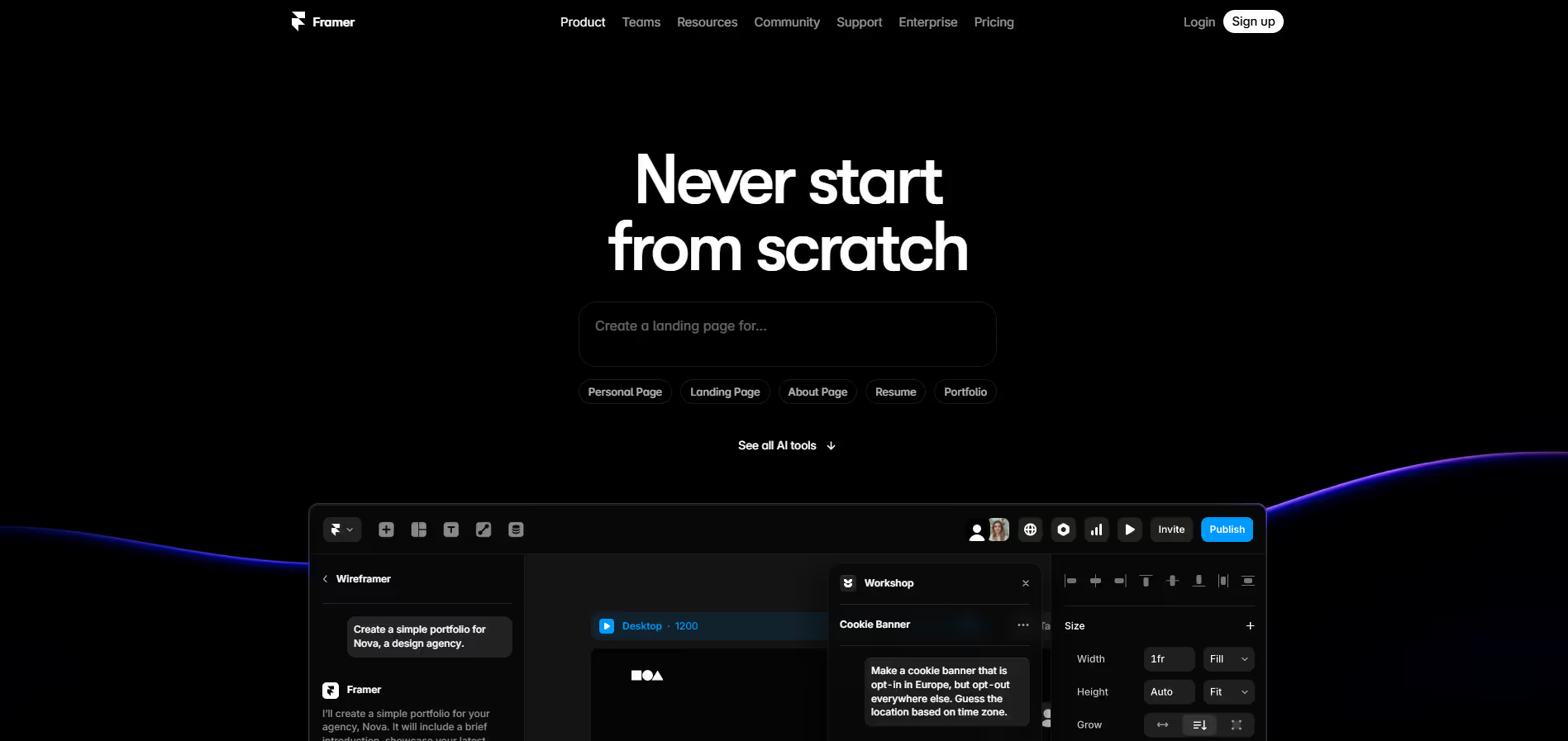
Our take: Framer collapses the designer-to-publisher pipeline into one tool: visual design, animations, Figma import, CMS, and global CDN hosting all coexist natively.
The best design-first website builder for teams that want publish-ready quality without a developer handoff.
Our score
Reviewed by the Conversion Gems editorial team. Hover a facet to focus it; click to pin.Tap a facet to focus it.
Community ratings
Shown for context only. Our score is independent.
 Capterra
4.3 / 5 aggregate · across 1 source
Third-party ratings shown verbatim; aggregate weighted by review volume.
What it is, and why we rate it
One line each. Open a row for detail.
Our takeFramer collapses the designer-to-publisher pipeline into one tool: visual design, animations, Figma import, CMS, and global CDN hosting all coexist natively.
Why we rate itNo other tool in this category matches Framer's combination of design fidelity, interaction quality, and zero-config publishing at this price point.
Best / not good for
- Freelancers and small agencies building polished marketing and portfolio sites
- Startups wanting animated, CMS-driven landing pages without hiring developers
- Designers tired of Figma-to-dev handoffs who want to own the full publish pipeline
- Complex ecommerce storefronts requiring deep product and inventory logic
- Large multilingual sites where per-locale add-on costs scale steeply
- Teams needing custom backend APIs or server-side rendering beyond Framer's scope
Friction report
Trade-offs to know before signing up.
- Time to valueFast: AI-assisted templates and layout generation get a publishable site live in under an hour.
- Scale breakpointPer-editor and per-locale add-on pricing makes large teams or multilingual sites disproportionately expensive versus the base plan cost.
- Walled gardenModerate: code export exists, but CMS data, hosting infrastructure, and AI credits are platform-native — switching means rebuilding workflows.
A look inside
Frequently Asked Questions
What is Framer (AI) and what does it do?
How does Framer’s AI functionality help with the design process?
What features does Framer (AI) offer for creating interactive experiences?
Can Framer integrate with other tools and workflows?
Who should use Framer (AI) and what benefits can they expect?
Alternatives
Conversion Gems independently reviews every tool.